Hello,
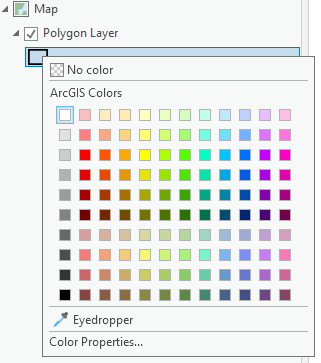
Currently in ArcGIS Pro, one can change the fill of a layer sourced to a polygon feature class using a shortcut by right-clicking on the symbol under the layer in the Contents pane:
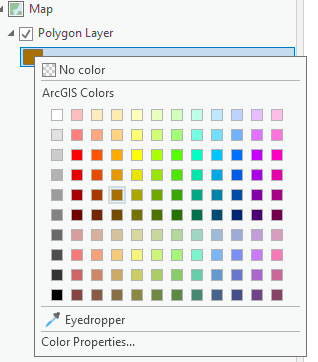
I use this functionality regularly and find it very useful. However, I think it could be enhanced to include the polygon stroke, which would be especially helpful when displaying polygons with 'No color' fills. Perhaps a hotkey could be used, such as holding the CTRL button and right clicking the layer symbol, thereby affecting the stroke of the polygon, rather than the fill.
It would be great to be able to quickly alter the colour of these strokes: