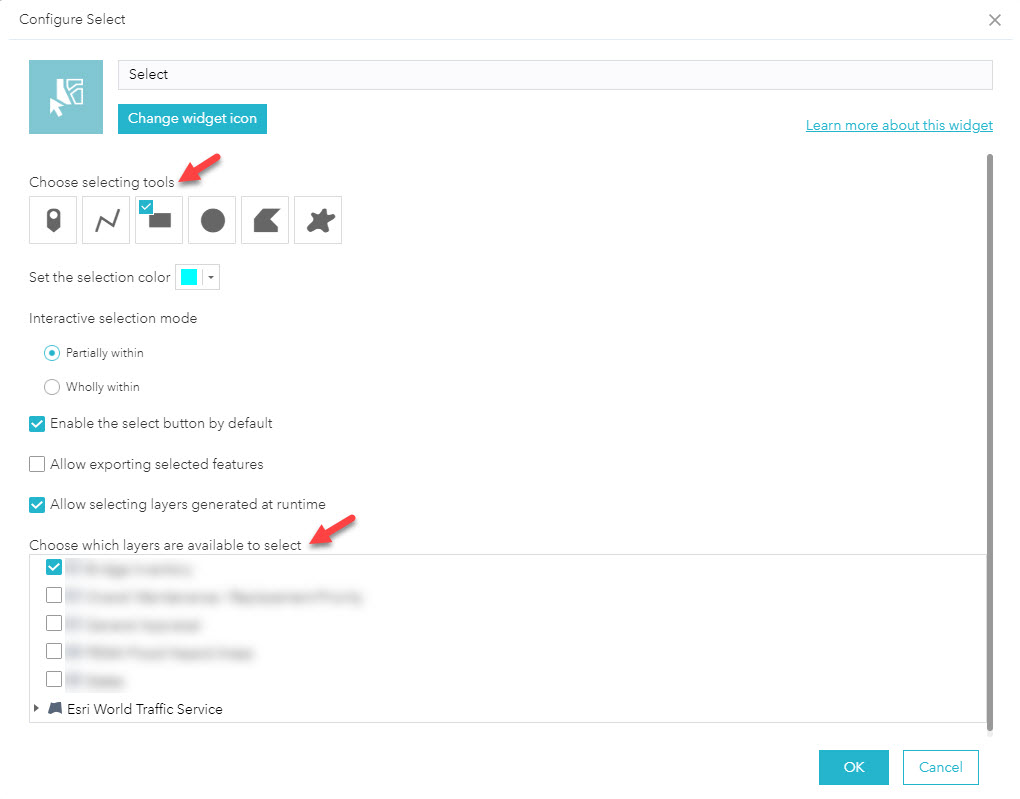
Web AppBuilder's Select widget allows you to choose which layers are available to select and which selection tools are available.
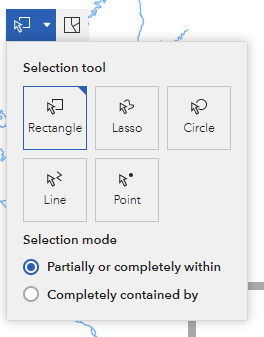
In Experience Builder, the Select tool can only be turned on or off from the map.

Once the Select tool is enabled, there are no options to choose which layers are selectable or modify which selection methods are available. The only way to select a feature from one layer is to turn off all of the other layers.
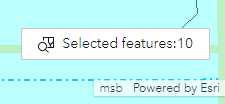
Once features are selected, it’s not possible to interact with the Selected Features count at the bottom right. It displays the number of features, but it’s not clickable, so there’s no way to see or export the selected features without using other widgets.