I have a tree point shapefile/feature class with height and other relative tree information and I would like to convert it to `realistic trees`.
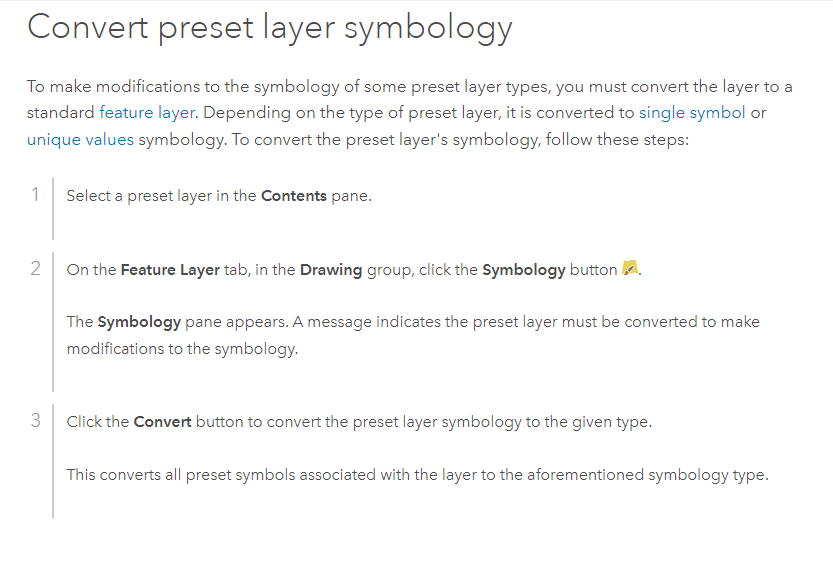
The documentation of Draw preset layer states to convert the layer to standard layer, how can I do that?

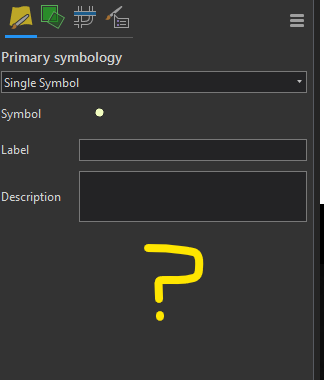
I don't get the above message after clicking on symbology.
Secondly it asks the user to go to symbology and click on convert, where exactly is this convert option, a screenshot will help?
How can I select the `realistic trees` option`?

