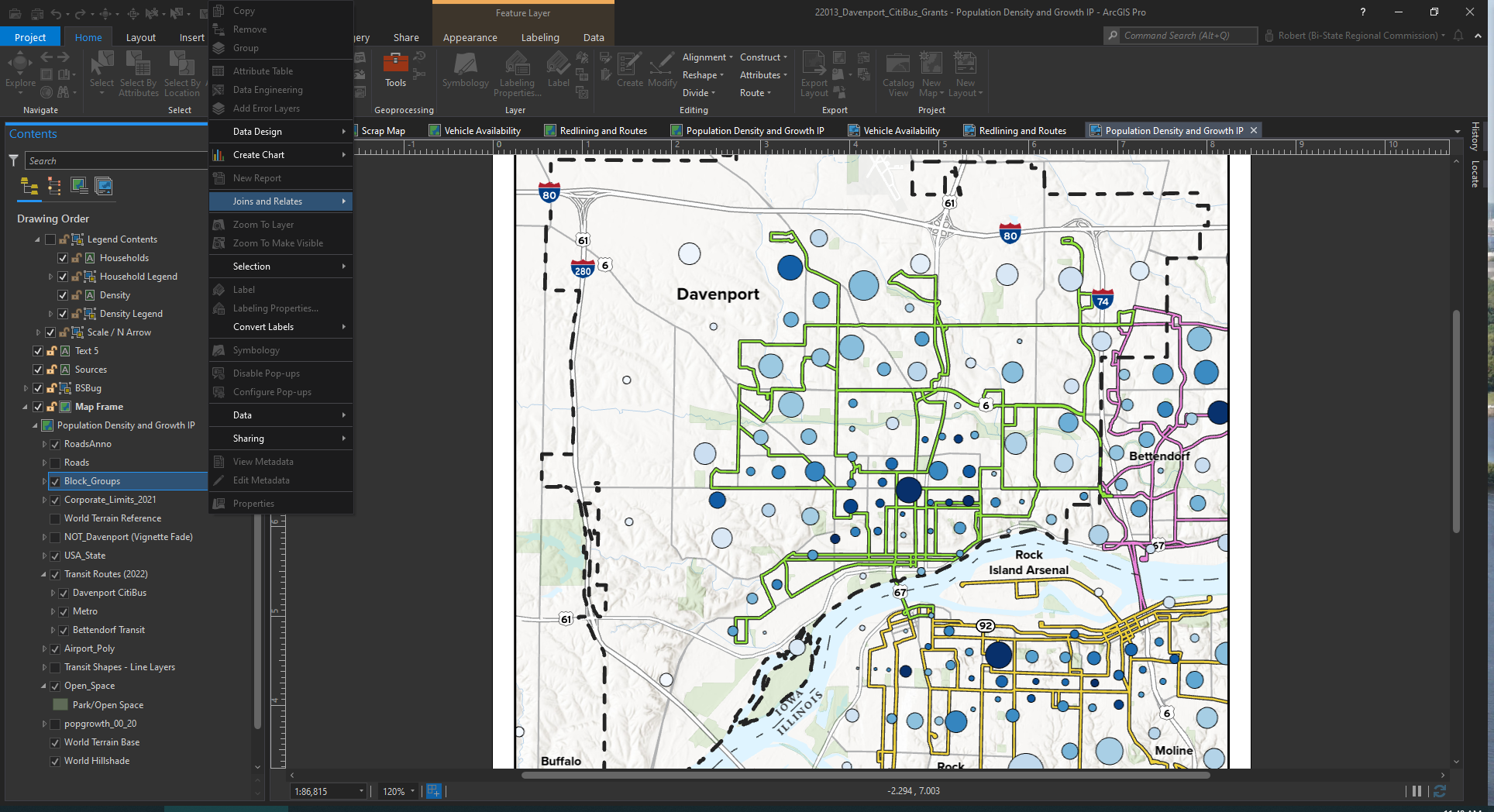
Ever since I started using Pro, which at this point, has been on a number of machines, multiple versions, and a few different orgs, I get this issue where every command is grayed out, including the exit button, and the cursor is spinning. It usually goes away after a few moments, but occasionally (right now!) it goes on for much longer, usually when doing something routine like validating a join or querying something that normally only takes seconds. It doesn't really indicate progress on those kinds of things, either, so it's actually hard to tell what's causing it or what it's thinking about. I cannot Ctrl+W/Alt-F4, either. I just have to wait or force quit and lose changes if they haven't autosaved. Which is a monumental improvement from the much more frequent and catastrophic "ArcMap.exe has encountered an error and needs to close" warnings, but I can't find a rhyme or reason. It's still frequent enough, though, that I feel something should or could be done - performance-wise, ArcGIS Pro continues to be by far the least reliable program that I use on a daily basis. And I use Office 2013!
I'm curious if anyone has ever been able to find a persistent cause and solution to this? To me, it just seems random, so I don't think tech support would be much help. Curious to hear from others though. How do you work around this?