In your symbol class tab on the symbology pane, you can shift-click to select multiple symbol classes. The most frequent uses for this might be formatting the symbology of multiple symbols, grouping them, or removing them. When using graduated symbols, however, shift-clicking in most areas starts to edit the value of whatever you clicked. In the below example, I had the first symbol class selected and shift-clicked on the 660,000 value:
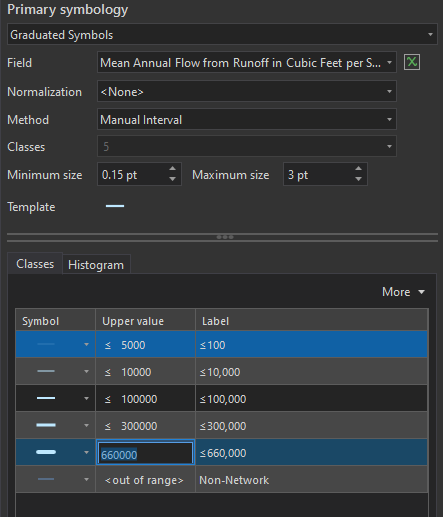
The same happens in the label column. Eventually, I can get them all selected by shift-clicking in the teeny margin left of the symbol patch, but it's hard to see where that patch technically ends, it's finicky, and it's not consistent with how other symbology methods function, where you can shift-click right on the value. Shift-clicking the label in any method seems to jump into editing rather than selecting. I also notice that when using other methods, like unique values, the columns don't span the width of the pane, and shift-clicking in this seemingly spacious shift-click zone also does nothing:
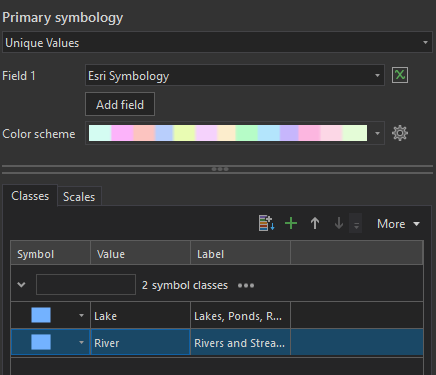
I think just a little UX housekeeping is in order here to ensure you can shift-click with ease regardless of symbolization method. Leave the editing to simple left-clicking.




