ArcGIS Pro 2.9: How to zoom to a selected feature without changing the current scale?
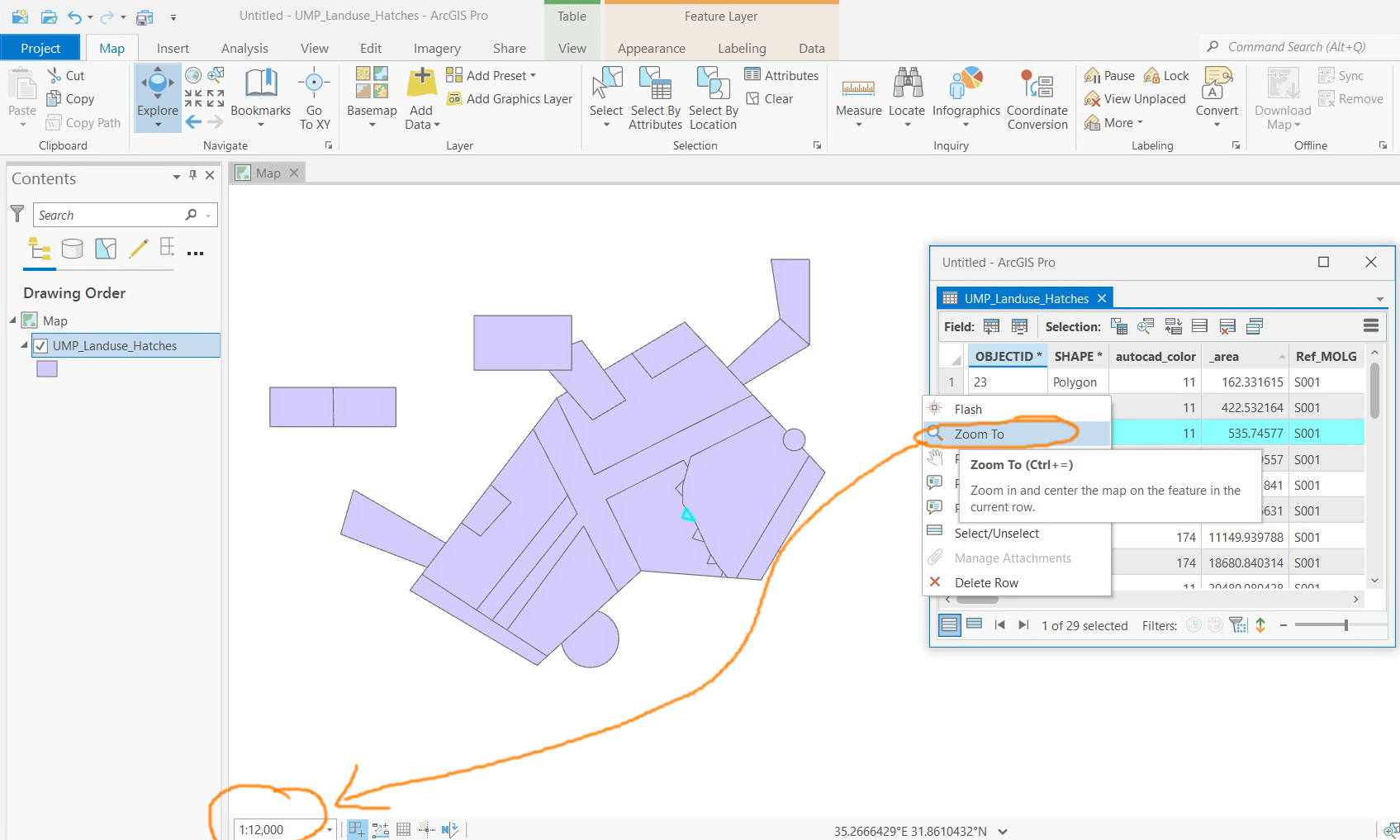
For example, in the screenshot below, I wanted to zoom to the selected feature such that the feature gets at the center of the screen but to have the scale kept the same (12,000)
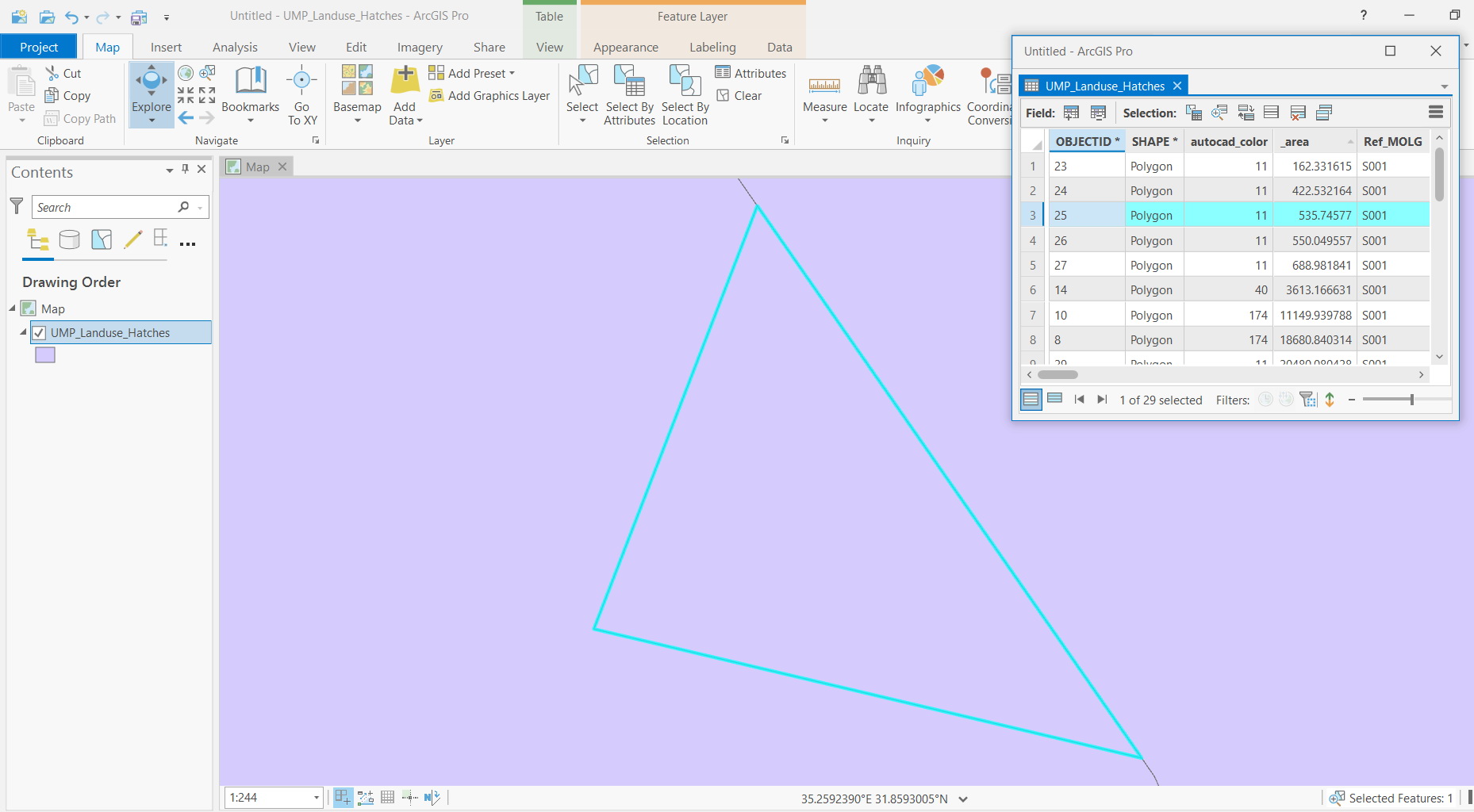
As for the default behavior, when zooming to a selected feature, it gets centered at the middle of the screen with having it fully extended on the screen and thus the scale changes.