As a work-around to not being able to have child tables to the assignments feature layer in Workforce, I have designed a survey linked by a generated GUID (using the uuid() command in the calculate field triggered by relevance if the child survey is initiated). The Assignments layer and related child survey are moved through the workflow by initiating unassigned Workforce assignments in Survey123, assigning them in Workforce Dispatcher view, and then having contractors completed the Assignments by completing a survey where they can see the assignment details in a read-only view, and have a mirrored and extended set of questions to complete about the assignment. Ideally, they would click on a relevent hyperlink to complete the child survey as well. At the moment, the link delivers them to the child survey inbox, but does not open the child survey--leaving the user to visually associate the child survey to the parent by values in the instance name, visible in the inbox.
The documentation for passing parameters to the field app are given on this page. This behavior is documented in this post, with the best help coming from @ChelseyAiton2 . Imitating Chelsey's example, I created the following custom URLs:
<a href="arcgis-survey123://?itemID=<child survey item id>&action=edit&folder=inbox&update=true&q:Plant_List_Assignment_ID={${Plant_List_Assignment_ID}}">Complete Plant Tally</a>
<a href="arcgis-survey123://?itemID=85d450a8ef5146ada58943ca55e5843a&action=edit&folder=inbox&update=true&filter=Plant_List_Assignment_ID:${Plant_List_Assignment_ID}">Complete Plant Tally</a>
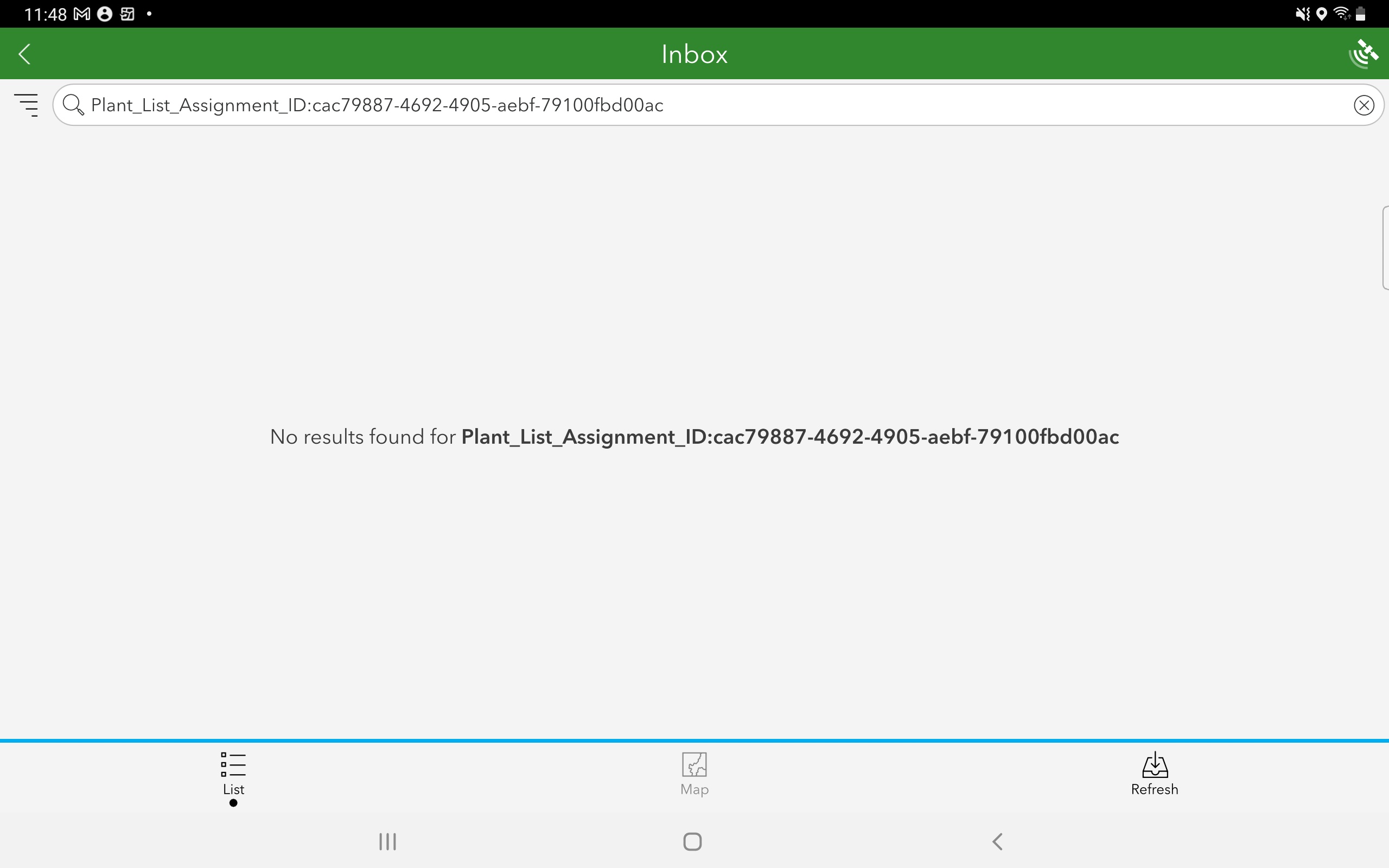
If I have the ability to reference a created unique id, what parameter key is best to identify and open the child survey? Filter and q:queryparameter seem the likely suspects, with filer perhaps preferred for offline use (?). Neither works in my testing. The q:queryparameter fails nicely enough in the intended survey inbox. Filter fails altogether with a survey not found error:
Here is the parent table from the child survey with the desired id link displayed.

I assume I am getting some element of the syntax wrong--or perhaps the feature does not work as intended.
Any help on getting this workflow and syntax correct greatly appreciated!
@IsmaelChivite @CraigGillgrass any thoughts?

