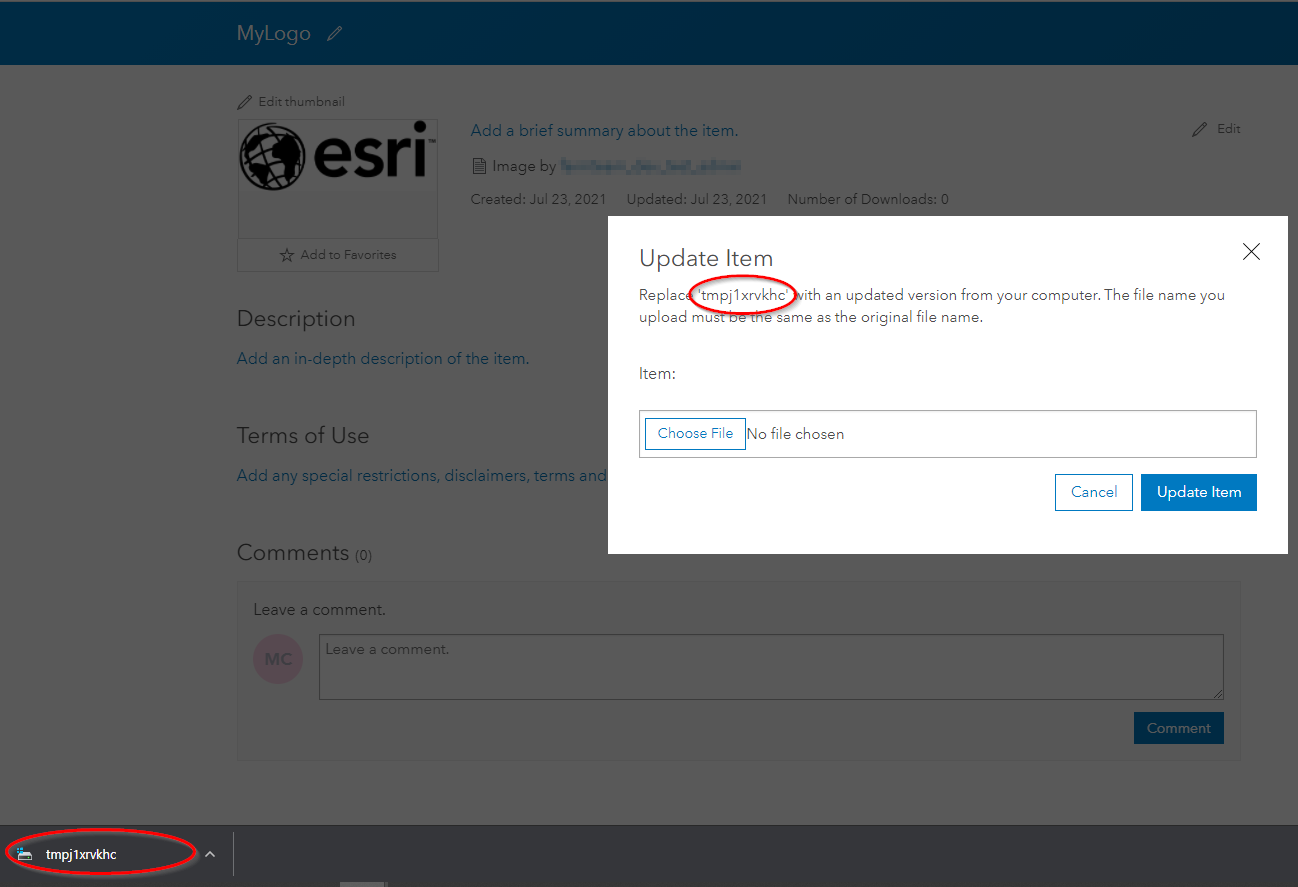
I am having an issue where files uploaded to Arcgis online don't have a proper filename or extension. They are given a random filename such as "tmpeqklflj2" with no extension i.e. this is the file you get when downloading back from AGOL.
This only happens when I add content via a URL (as opposed to uploading from a local file)
I'm working with TPK's but as a quick example, say I add an image file from the below URL (an esri logo as an example). You can see that the filename assigned is not the same as the actual name of the file, but is given the filename "tmpj1xrvkhc" with no extension.
Am I missing a parameter or is there a way to update the resource filename after? I can see that when adding or updating an Item Resource it's possible to assign a filename a file to an Item as a Resource but only when adding or updating a new file from the local disk. Similarly the updateResource of the REST API seems like it could do it but I haven't been able to get that to work either.
gis = GIS("home")
properties={'title': 'MyLogo', 'tags':'logo'}
newitem = gis.content.add(item_properties=properties, data="https://www.esri.com/content/dam/esrisites/common/logos/esri-logo.jpg")