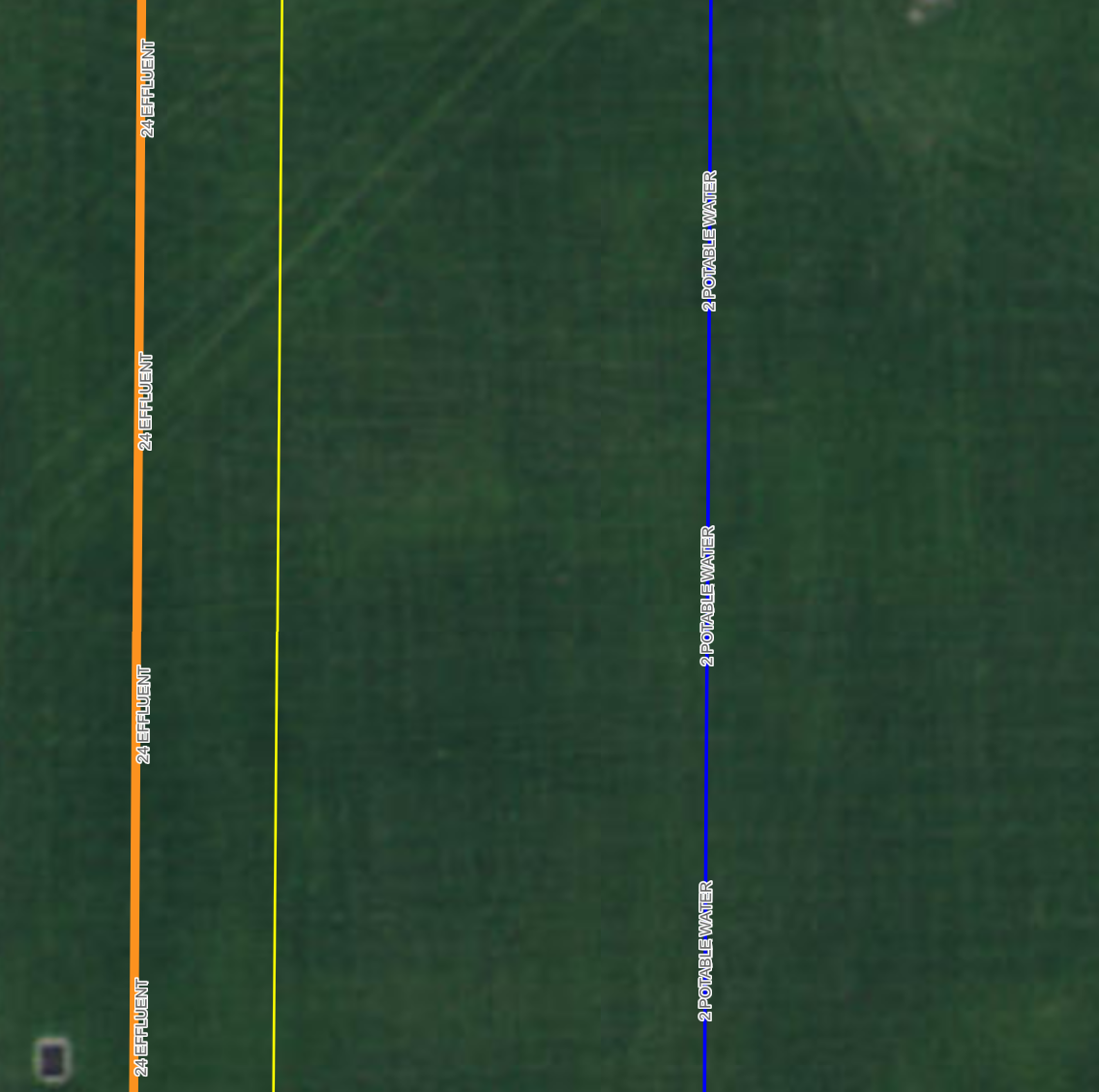
I may be missing something simple here but I have this issue in the new map viewer as well as in experience builder. I am getting repeat labels that make these new products basically unusable. Has anyone else had this issue? It works fine in map viewer classic and webapp builder.
Thanks!
Thanks for reporting. This looks to be localized to the Text Newline formatting and is reproducible in other versions of the JSAPI so its not related to the recent release. You can log a ticket with support if you would like a ticket to track.
I believe there is a bug with this option when the label uses Arcade + line break (with TextFormatting.NewLine or \n).
Repeat settings are completely ignored when the arcade uses a line break. When I remove the line break (but keep everything else Arcade), everything works fine.
Hi,
We have the same problem with not visible option: Repeat Label in Map Viewer.
Also Portal/Enterprice solution.
Do you have some suggestions for workaround?
Anderson way was 3 different features in that case
For Field Maps support for this you would have to post that in their forum.
In web maps the property would be under labelinginfo
https://developers.arcgis.com/web-map-specification/objects/labelingInfo/
In your example, "Anderson Way" is repeated with and without the interval. How can you make it so the label only appears once per line?
I've try turning interval off and setting interval to 50000+, but the labels still repeat too frequently in Field Maps.
Is this available in portal/enterprise? I am not seeing a repeat option only placement.
We just updated Map Viewer with some label enhancements. For lines you can now choose to repeat a label along a line feature and set the distance between repeats. You can also allow label overruns for cases where the label can be still displayed on smaller features.
additional label placements is something we would like to add in a future release and is dependent on API support. This can be tracked through this ENH request ENH-000130376
Thanks for the feedback!
I'd like to add that in addition to the line labels repeating in the New Map Viewer, there needs to be an option for line placement, e.g., above the line, below, etc. Trying to label a map of road centerlines is relatively painful when the major roads label every 100-200 feet and you'd also like to have the labels appear above the roads. I realize this is may be cartographically splitting hairs, but labeling is definitely not a one-size-fits-all approach. Hoping that later releases of the Map Viewer will address this as well.
Kathryn,
This is a clever work around, I will give it a try. I hope they continue to give us more flexibility with labels as new releases come out.
I have the same issue James. The only way I have found to work around it and space the labels is to change the posting from a specific attribute i.e. NAME and add spaces after using an Arcade expression.
Click on the </> icon to the right of the value in the Label Field
This is a current known limitation in 4.x based JSAPI apps like Map Viewer and Experience Builder. I don't have an exact date for the release that will address this but thanks for your feedback and I've brought this post up with the team.
Signed in members can post, follow updates, and more. New here? Register a free account.
Find useful guides, FAQs, and documents to help you navigate and make the most of Esri Community.