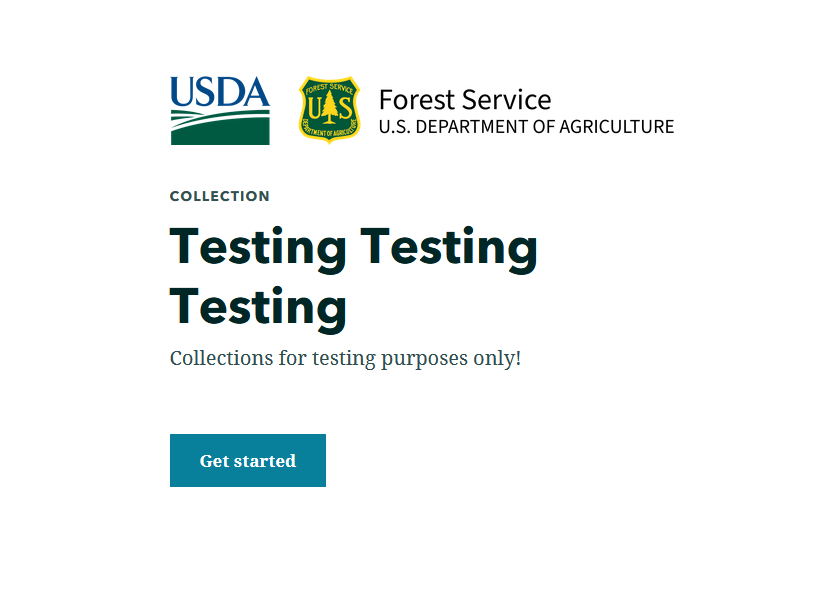
I need some help understanding how logos work in StoryMaps and what the best format is. From what I understand SVGs are the best format for icons due to their ability to scale without pixelating. I also have a PNG of the logo we want to use. So I put an SVG logo in Collections and it looks great,
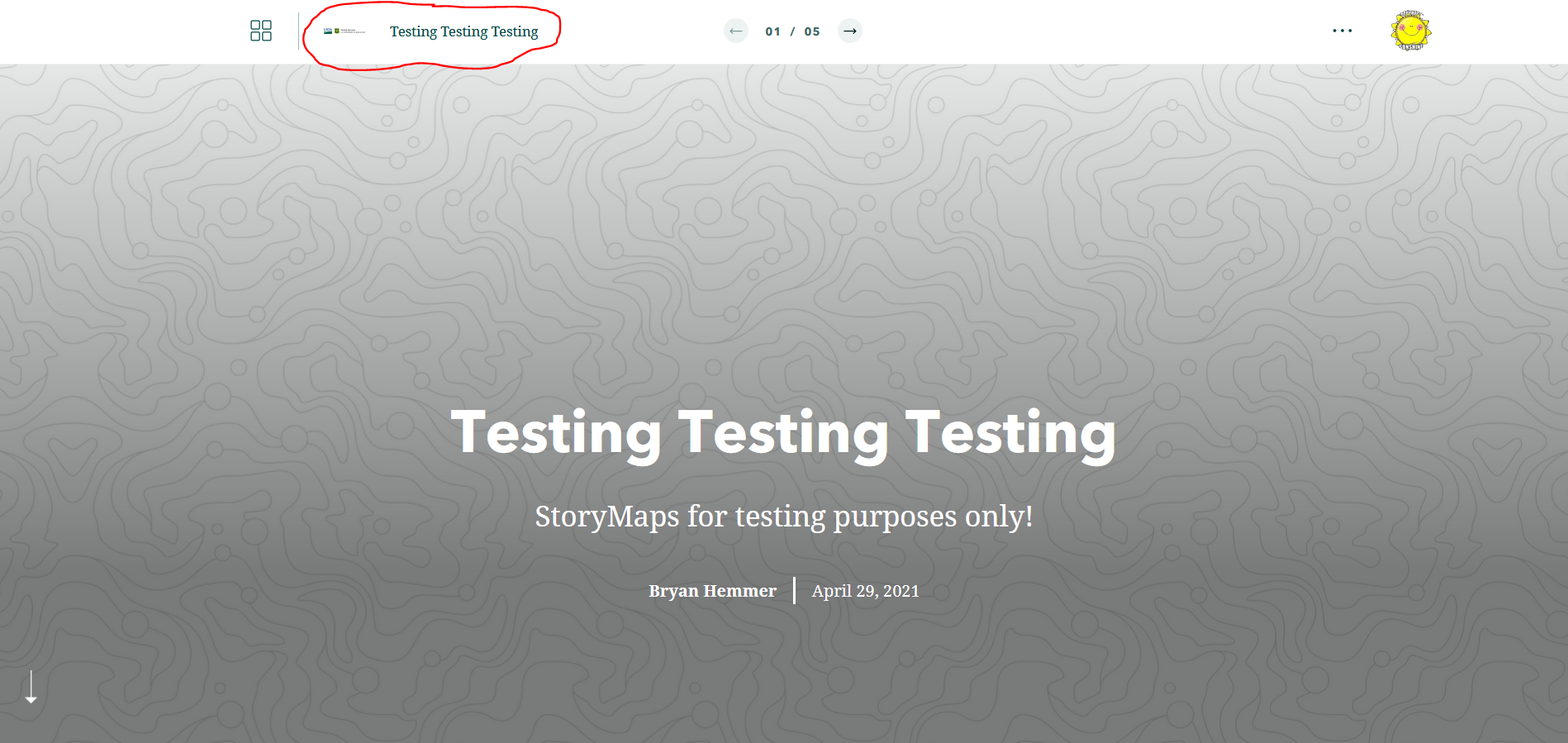
But when I open the individual story map it is super small,
I have noticed a post on this topic, https://community.esri.com/t5/arcgis-storymaps-questions/svg-image-shrink/m-p/1025263#M1684, but I'm not understanding it. I'm using Affinity Photo for exporting images at different sizes.
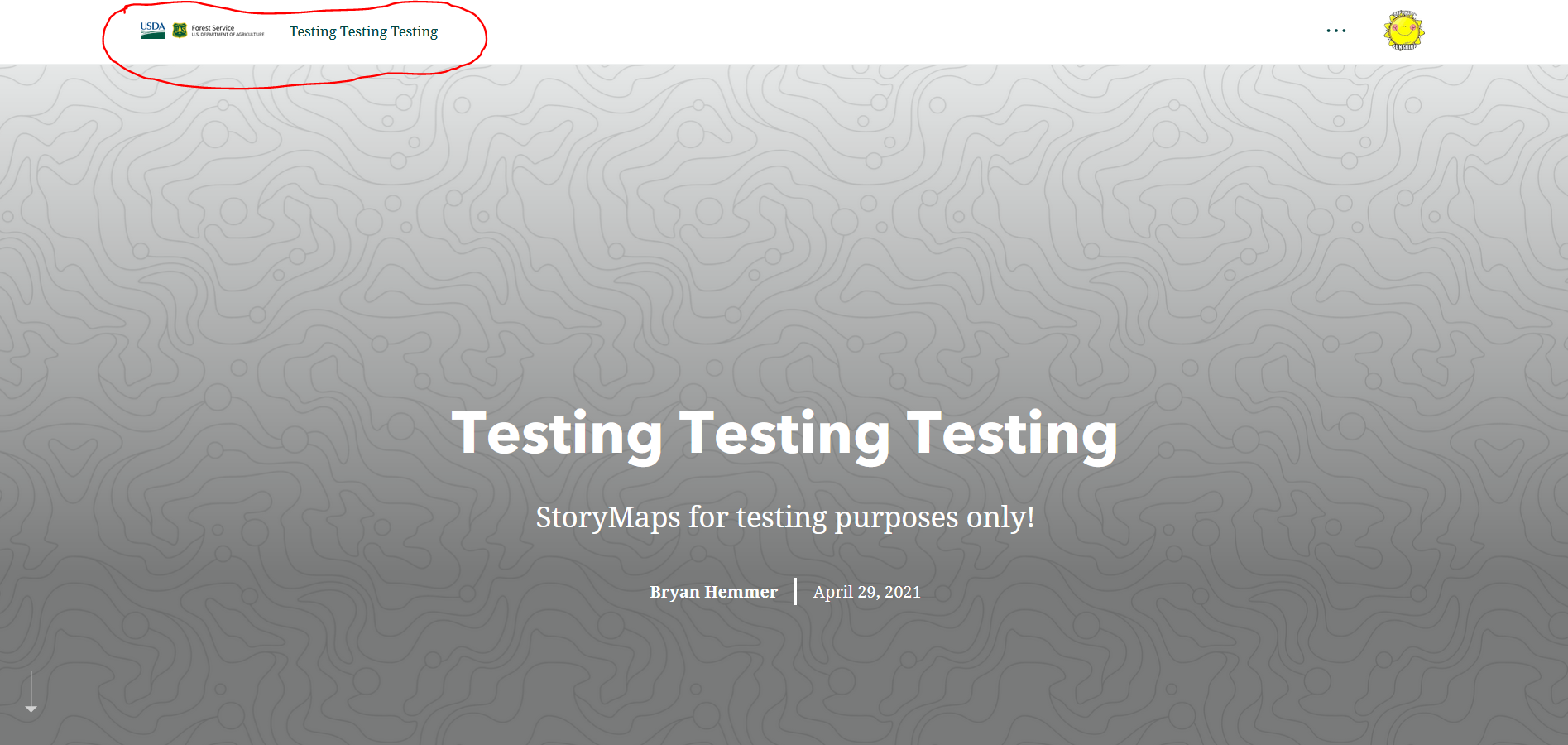
Now, after noticing this I opened the story map in builder and swapped out the SVG with a PNG (588px X 80px) but it still appears like it is not quite filling like I like,
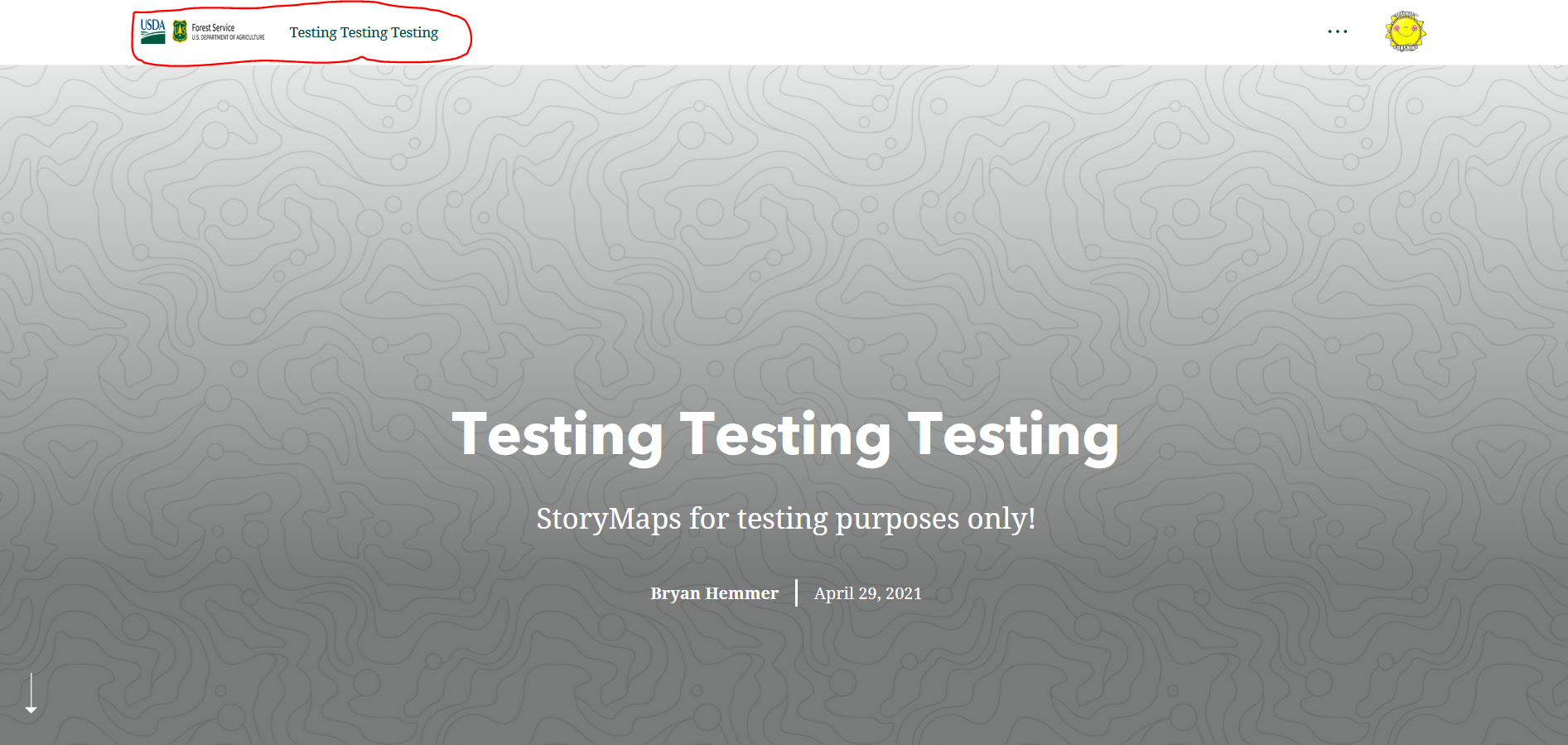
When I saw this I played around with sizing options and arrived at a size that seems like fills well but looks distorted (400px X 80px),
So I guess I have x questions that I need help answering;
- What is the best format for logo images?
- Even when I have PNGs or different logos in the story maps themselves it seems that whatever I put on the Collections landing page takes priority and uses that image. Is this expected behavior?
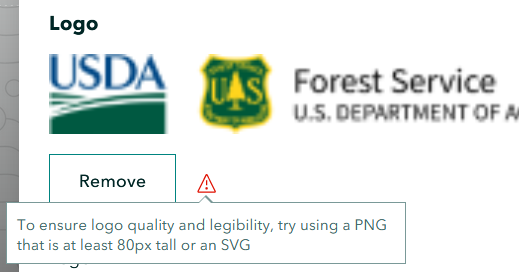
- What size should I be making these logos to fill in the logo area of story maps? I know when you put in an image less than 80px in height you get the following message,
Hope all this makes sense and thank you for your help.




