Hi there! When I add a drive-time layer to my ARCGis Map in Power BI, for some reason the "drive-time select" option does not always show up.
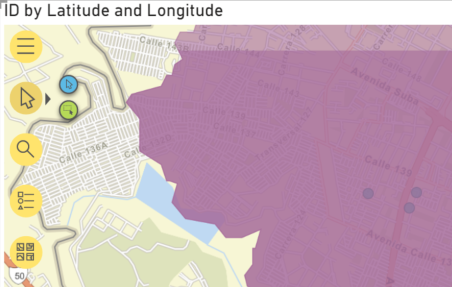
I have a very simple power BI. The dataset is just a list of street addresses with latitudes and longitudes. With a blank report, I added an "ArcGIS Maps for Power BI" visualisation. I added the latitude and longitude from the dataset. I then created a drive-time layer using the "Analysis tools" list (shown in purple below).
Once that's done though, when I click "Selection tools", the drive-time selection option doesn't show (see screenshot below). It works in one of my older Power BI files, so I can't understand why it's not coming up here?
I'm using Power BI Desktop version 2.88.1144.0 64-bit. Thanks in advance for your help!
P.S. It's my first time on the forum so apologies if I've missed anything!



