Is there a simple way to indicate radii on ArcGIS Pro 2.7? What I'm trying to achieve is shown on the picture:
 radii
radii
The "200 m" is just a text label and the arrow is just lines. I have also tried to make use of the dimensions fetaure instead but there seem to be the following drawbacks:
- it is not possible to define an arc by the centre, the radius and two points;
- modifying the dimensions feature style looks like rocket science;
- the dimensions feature does not adjust to the print scale.
So the best what I can make with dimensions looks like this:
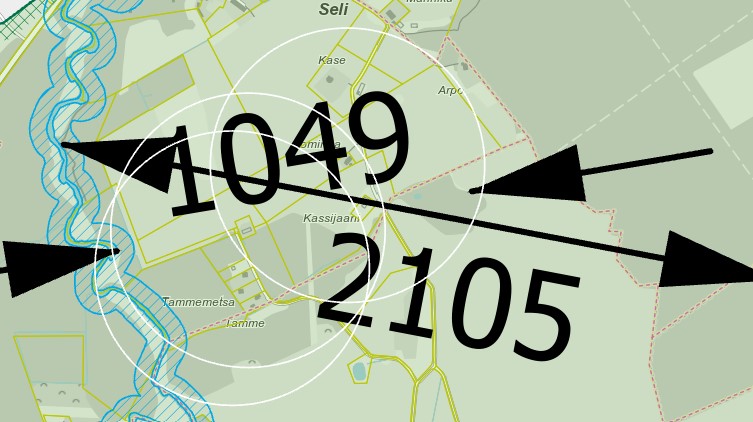
I understand that there must be ways to get the text smaller and change the symbols color if the parameters are altered while creating the feature class, so I'm going to try this out now but . . .
. . . should I give up the idea of using ArcGIS Pro for indicating the radii at all if this is so clumsy and make use of a cad instead?


