Hi there,
I just started using Field Maps, but I started publishing inspection apps for Collector about 3 years ago. I started integrating Survey123 with Collector about 2 years ago. It seems like Field Maps Web App would be like the Survey123 web app, where you could use it as client or as a publisher (if you owned the Survey). But my first Field Maps published service shows no map.
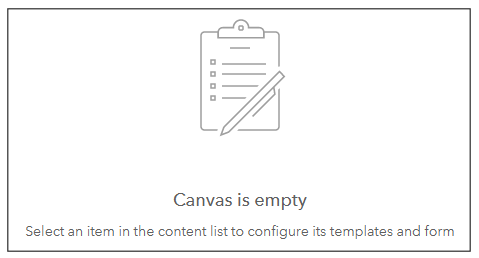
Being the clever guy that I am, I looked into building a Template and I managed to do that.
I am using Windows 10, FireFox, but have tried Chrome also with the same result... no map.
And I can see my published map fine in Map Viewer Beta (or the old one). But back in Field Maps, the Overview tab looks great, but clicking on the Content tab only has 1 second column of navigation tabs and 2 Content tabs. I also notice that the default Basemap is greyed out for some reason.
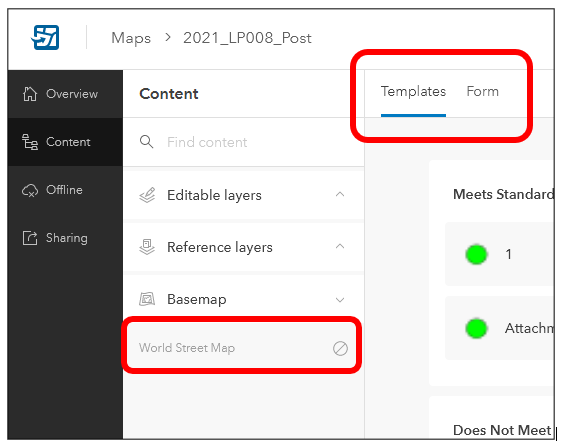
When I minimize the navigation menu, I still only see the empty Templates and Form tabs and Canvas screen shown above. So my question is a pretty basic one. And I have searched far and wide for an answer, because I may be missing something obvious. Could it be that the Field Maps web map is primarily an app for publishers and it's not meant to be for any end user? And is the Map Viewer and Beta the only means for the end users?
I have not panicked yet, and I've been working on inspection forms, although I've managed to lose them a couple of times somehow, without doing any editing nor saving in the non-beta Map Viewer... talented I know!
Thanks, Bill~

