Hi all,
At the moment I am trying to automate a Survey123 workflow using MS Flow. The scenario is: 'something' should happen when a survey response is submitted in Survey123.
I am trying to follow the steps described in this blog: https://community.esri.com/groups/survey123/blog/2018/07/19/automating-workflows-with-survey123-and-microsoft-flow by Ismael Chivite. But whatever I try, I don't get it up and running... or at least not when I try an build the Flow from scratch. All the flows I have build look like they are correct:
- no error message in the Flow designer
- only green ticks
- the Survey123 connector shows my surveys, and within these surveys the attribute fields are shown
- the Flow is turned on...
But when I submit a survey, the Flows are not triggered. They did not run a single time...
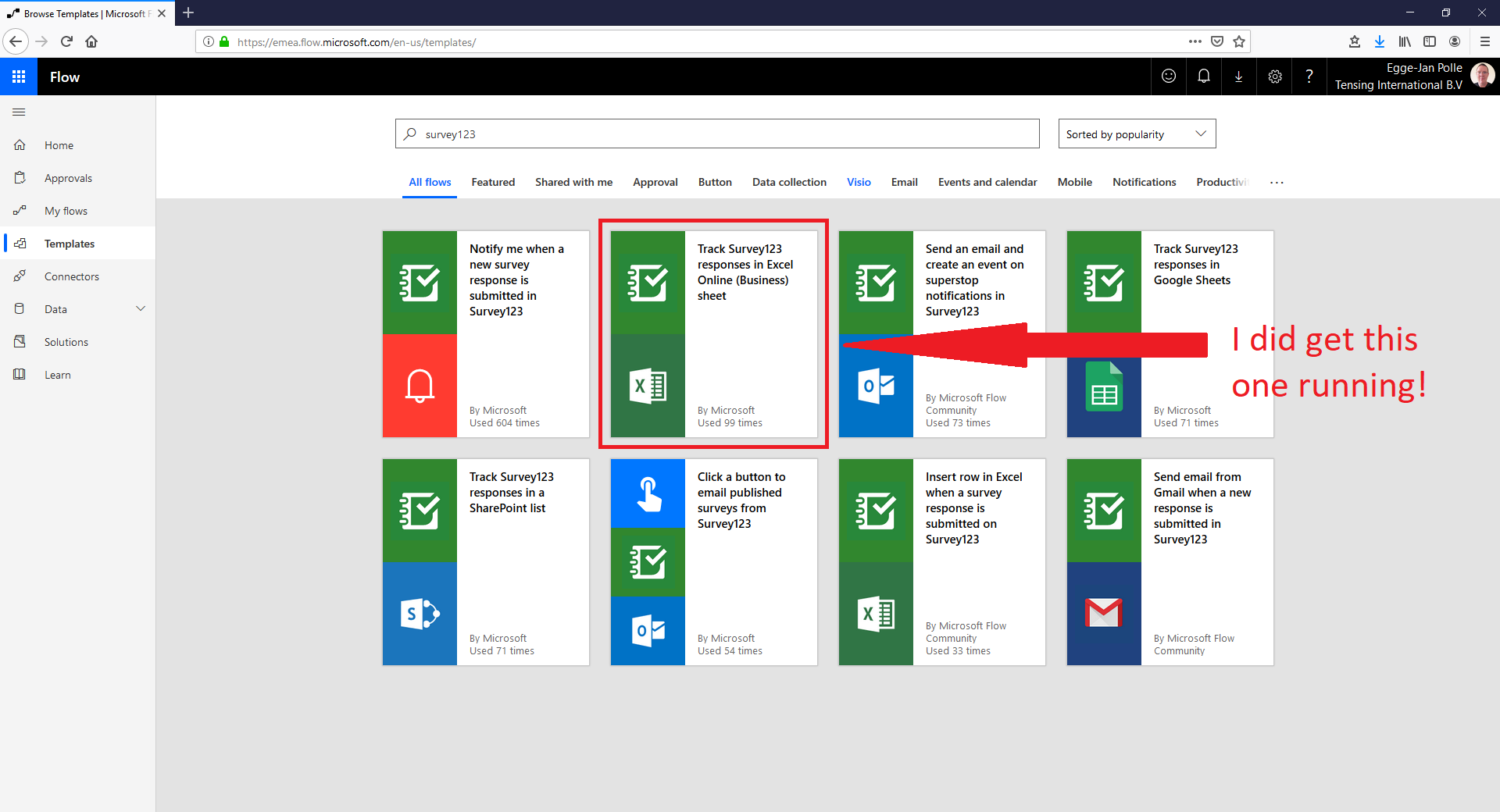
But hey, now I did use a template provided by Microsoft - the Track Survey123 responses in Excel Online (Business) sheet template (see screen capture below) - and yes, this one is running correctly. So, this Flow which I did build with this template is triggered when I submit a survey, and a new line is written to an online spreadsheet.
So, my question - short and good - is: what could be the difference between this template and my custom build flows? As said above, my own flows do look all right, but apparently I am missing something...
Please help.
Egge-Jan