In my Portal 11.3 there are two admins. Admin1 and Admin2 have each created a bunch of groups.
Now Admin1 wants to add a user to a group owned by Admin2, but that group simply does not appear in the "Manage group membership" dialogue reached via Organization > Members > mark a member, More > Manage group membership.
I have tried a bunch of things and came to the conclusion that the group setting "Who can contribute content?" is the culprit: When it is set to "Group owner and managers" the group is not listed. When it is set to "All group members", the group is listed as I expect it to.
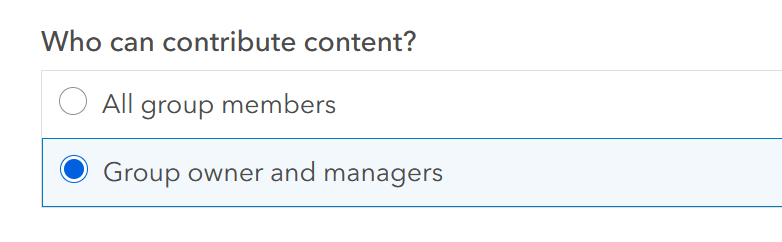
When I add a new member to my org via Organization > Members > Add Members, the missing groups are listed. Admin1 and Admin2 can also see each other's groups in Groups > My organization's groups.
I think the GET request which happens in the "Manage group membership" window has this query part misplaced somehow:
(owner:Admin1 OR isviewonly:false)

