We can successfully add users manually, so that part's not a problem.
I grabbed the csv template from my Portal (10.9.1) which has this (in Notepad++ for reference):
Email,Role,User Type,First Name,Last Name,Username
Various ESRI help docs list user type and roles as:
role—This is the role the organization-specific login will have in the organization. Valid role values are viewer, user, publisher, data editor, admin, or <custom_role_name>
Some examples of user type id values for the standard user types include viewerUT, editorUT, fieldworkerUT, creatorUT, GISProfessionalBasicUT, GISProfessionalStdUT, and GISProfessionalAdvUT
My csv file ends up with:

Portal throws this:
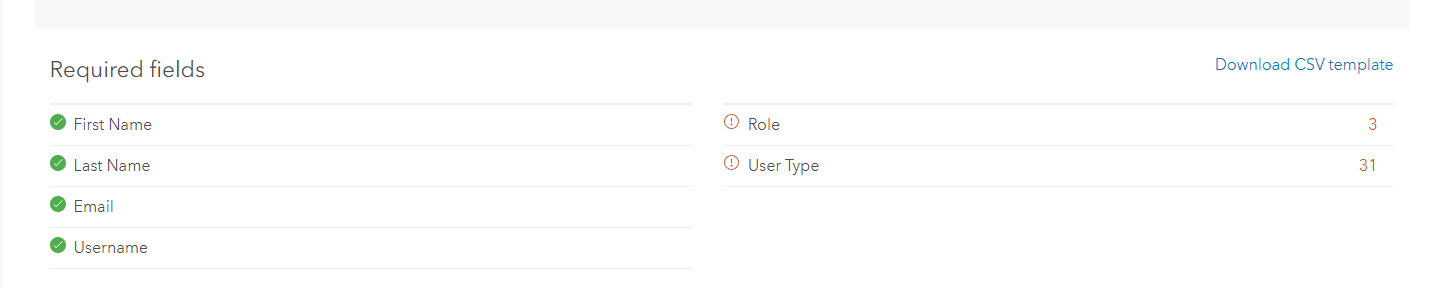
viewer/viewer works (if I drop the UT), where is a list of the correctly spelled/capitalized/etc. strings for Role and User Type? I'm tired of trying to guess.