Is it possible to disable the start-up screens in ArcGIS for Excel?
I intend to make ArcGIS for Excel available in my organisation and I think only a small number of users will be authoring maps using it, and the bulk of the users will be using maps made for them. We don't have ArcGIS Online accounts for everyone, so most maps will be showing data from the Excel worksheet and publicly available Living Atlas data.
So, most users will be sent Excel files containing configured maps, and I want Excel to open with the map showing the relevant data. However, if the user hasn't used the add-in before, when they open the Excel file, they will be required to go through the start-up screens before the map showing the data appears:
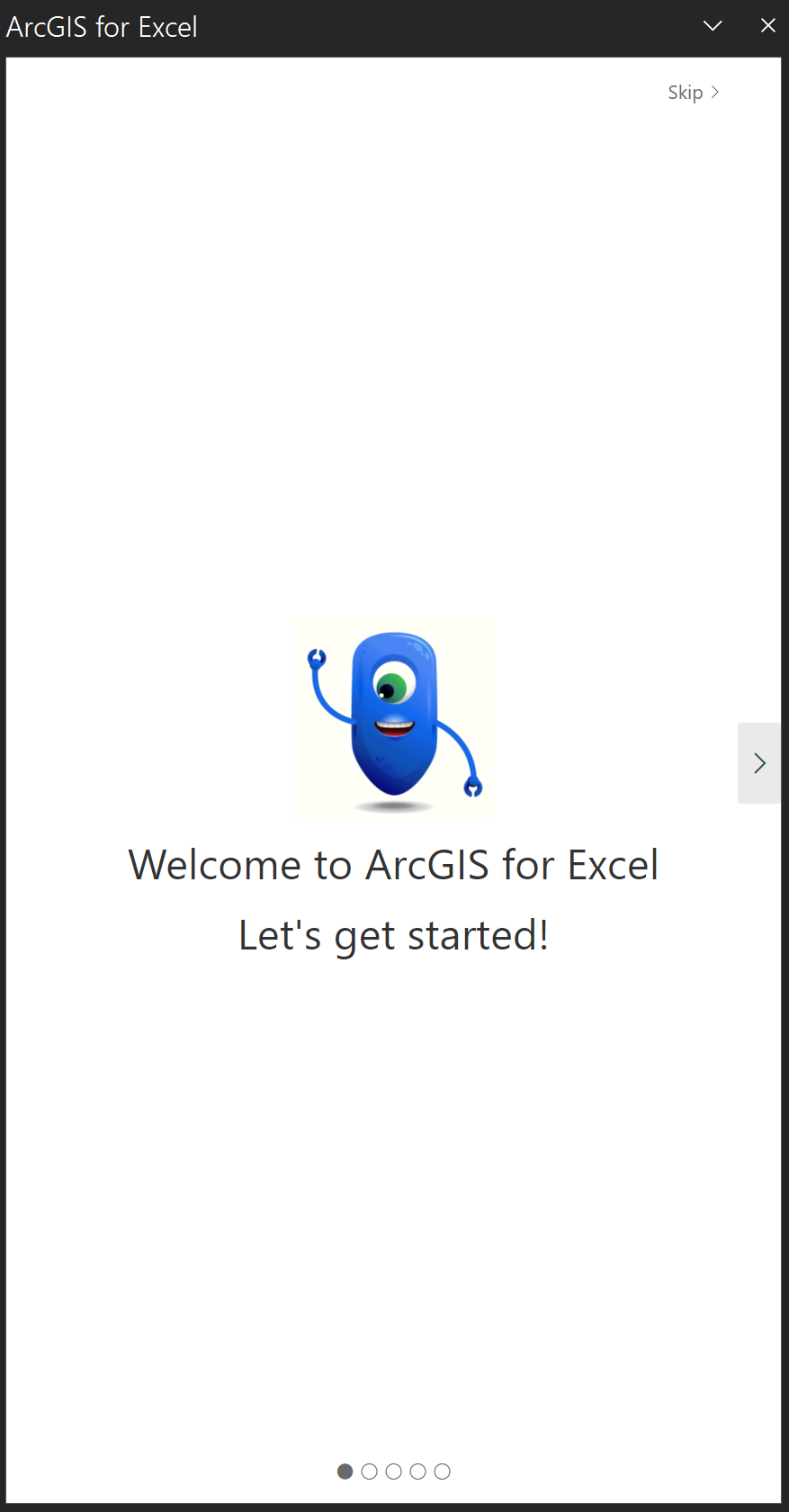
This doesn't add value to those users and will lead to confusion/questions, so I'd like to disable these screen if possible,
I don't know if this makes a difference to any potential solution, but I intend to make ArcGIS for Excel available as an "Admin Managed" add-in: