(Note: this is not fixed as of the September 2021 EB update)
The 'sorting' setting does not seem to apply properly to the table in the widget.
Steps to produce:
1. Add Table widget > New Sheet > add desired sheet
2. In drop-down, go to settings for the chosen View (I tried both the Default view and creating a new view)
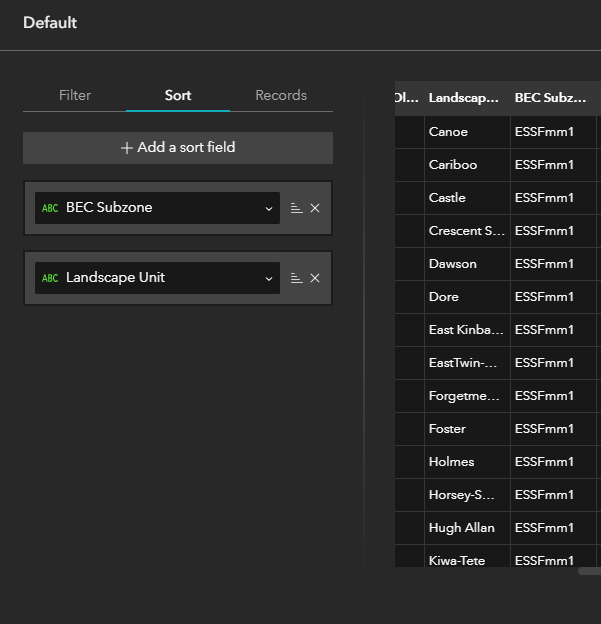
3. In 'Sort', identify sort fields. Check preview to confirm desired effect, and all is well:
4. 'Apply Changes'
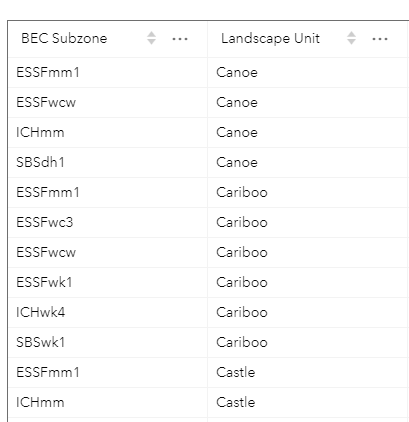
5. Changes do not appear in table within the widget:
I have also tried this only sorting on one field (BEC_Subzone), but with the same result. Not sure if I'm missing a step, or if this is simply a bug - any help would be appreciated!




