I am working on recreating all of my web maps in experience builder. I was using Map Viewer Classic and Web App builder.
When I open a map in map viewer classic is loads okay. When I make a copy of the map and open it in the new map viewer the screen tiling is very slow and there is alot of lag visible in the screen. I thought maybe my map had alot of content, so I created a new map with only one point feature class that only contains about 1,200 points so it is a small dataset. It still renders very slowly.
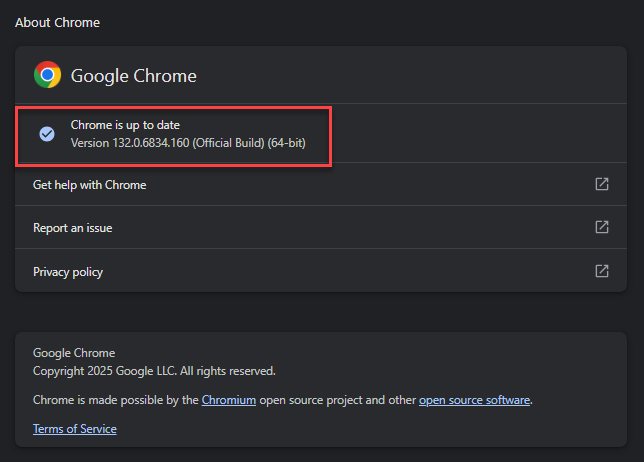
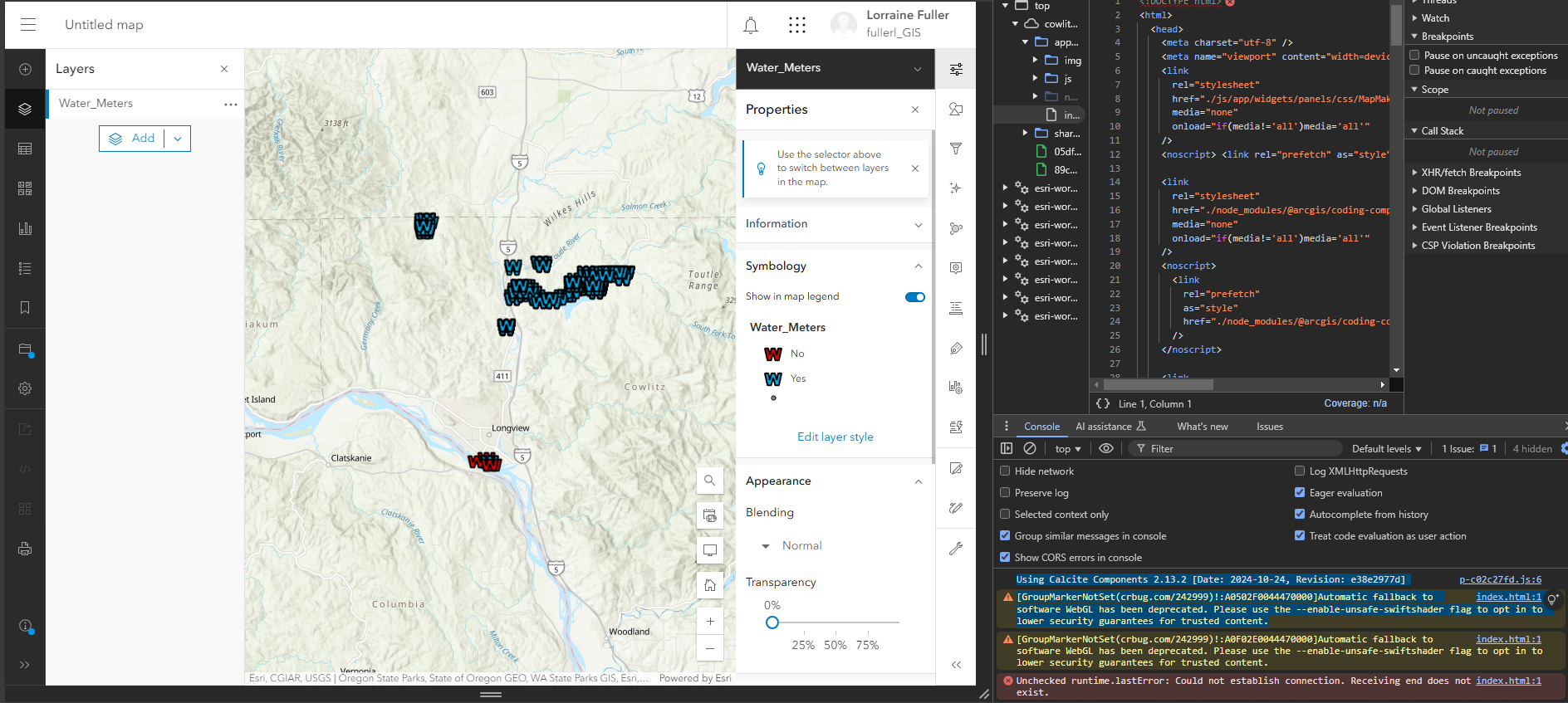
I am working in google chrome and right clicked and clicked inspect and I saw this message in the console. Could this be the issue? I am not a developer at all and don't even know what this means.
Using Calcite Components 2.13.2 [Date: 2024-10-24, Revision: e38e2977d]
index.html:1 [GroupMarkerNotSet(crbug.com/242999)!:A0502F0044470000]Automatic fallback to software WebGL has been deprecated. Please use the --enable-unsafe-swiftshader flag to opt in to lower security guarantees for trusted content.
I attached a video showing how slow it is. I don't know how to fix this.
Here is a video showing how much faster it renders in map viewer classic. This video contains lots of layers , not just the one layer and it still loads much better.
Here is a pdf showing my computer hardware, it meets the requirements to run ArcPRro.



