ArcGIS Pro 2.0.1 trial
Possible glitch with adding sublayers of a WMS manually?
In a new project, I've followed the steps to add a new WMS layer to the map. For this example I'm using BGS 50K geology: https://map.bgs.ac.uk/arcgis/services/BGS_Detailed_Geology/MapServer/WMSServer
Insert>Connections>New WMS Server> paste the URL into the box and click ok
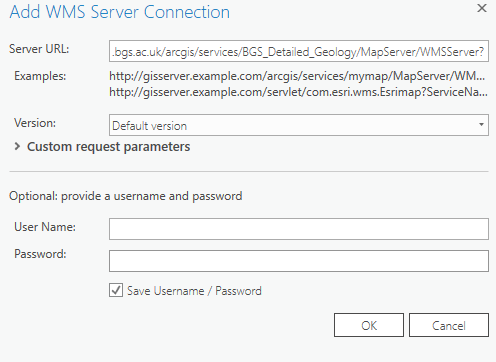
then, Map>Add Data>Data> browse to the WMS server layer and click ok to add to the map.
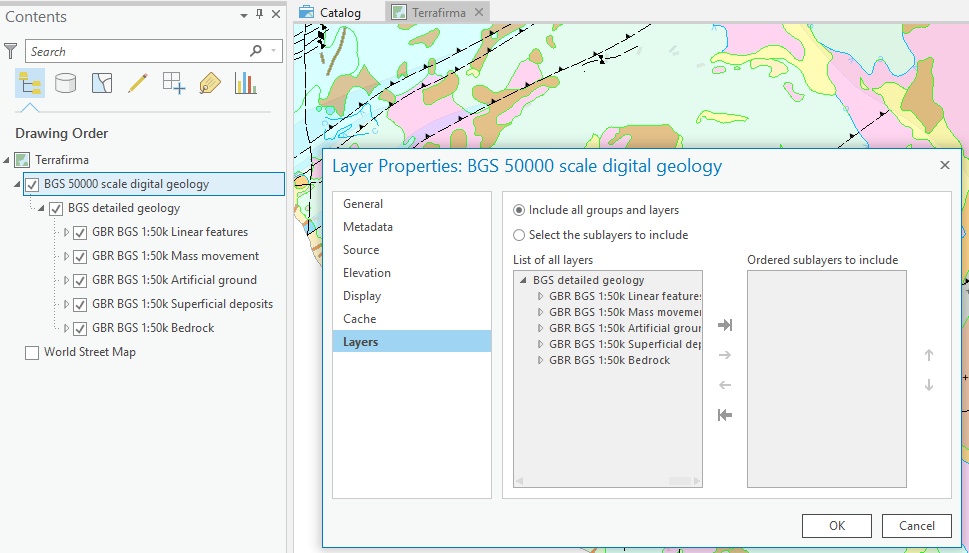
The WMS layer (and sublayers) display properly with the settings like this:
But if I change the option here to add the sublayers manually, the WMS layer doesn't display (see the white background):
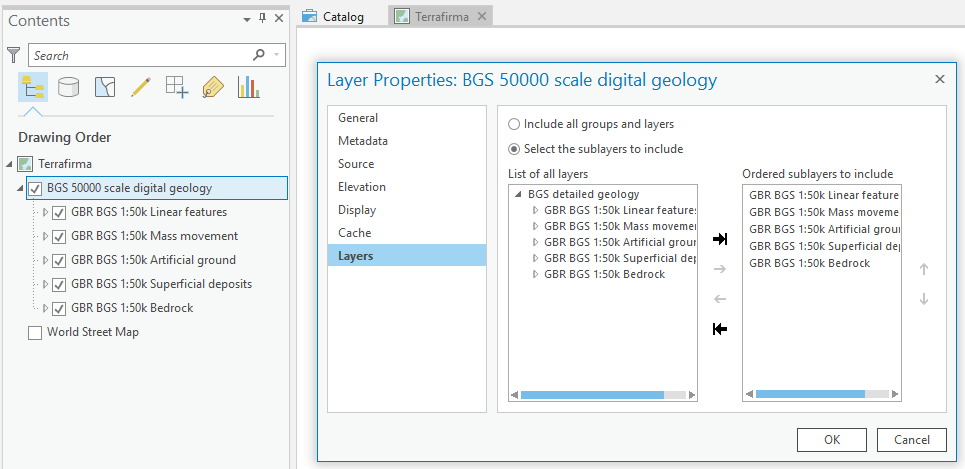
If I then try to rectify this by reverting to 'include all groups and layers', it still doesn't display and I have to add the WMS layer to the map again.
There are no display scales on the layer and I haven't moved around in the map between changing the option.



