How do you rotate a map on a desktop pc (am using Windows)?
On touch devices, there is a property that you can set to allow rotating the map by twisting using two fingers:
map.rotationByPinchingEnabled
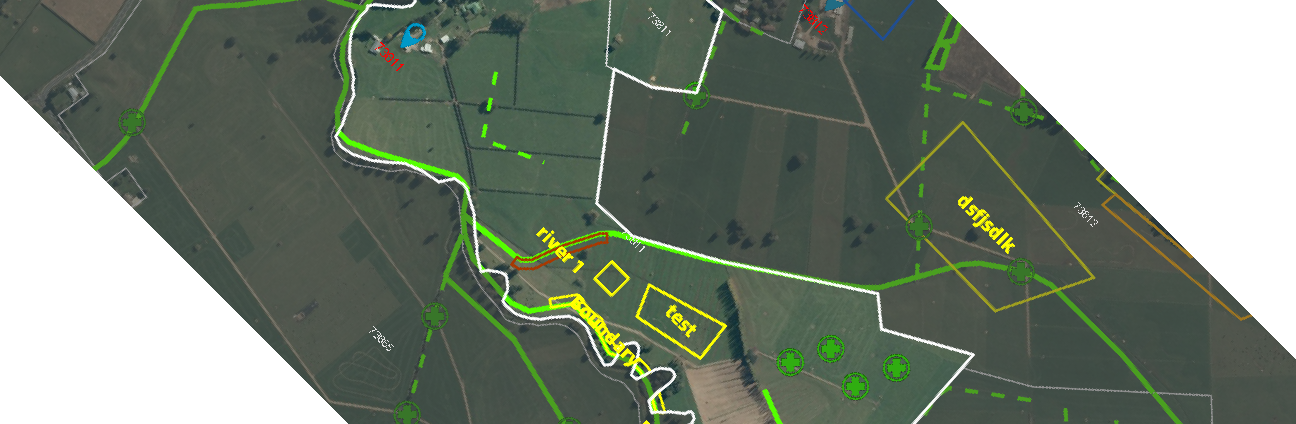
I tried using a button that on clicked would set the map.rotation property which sort of works but ends up with a weird effect where the rectangle representing the map rotates leaving whitespace around the edge as per the attached screenshot. There must be another method?