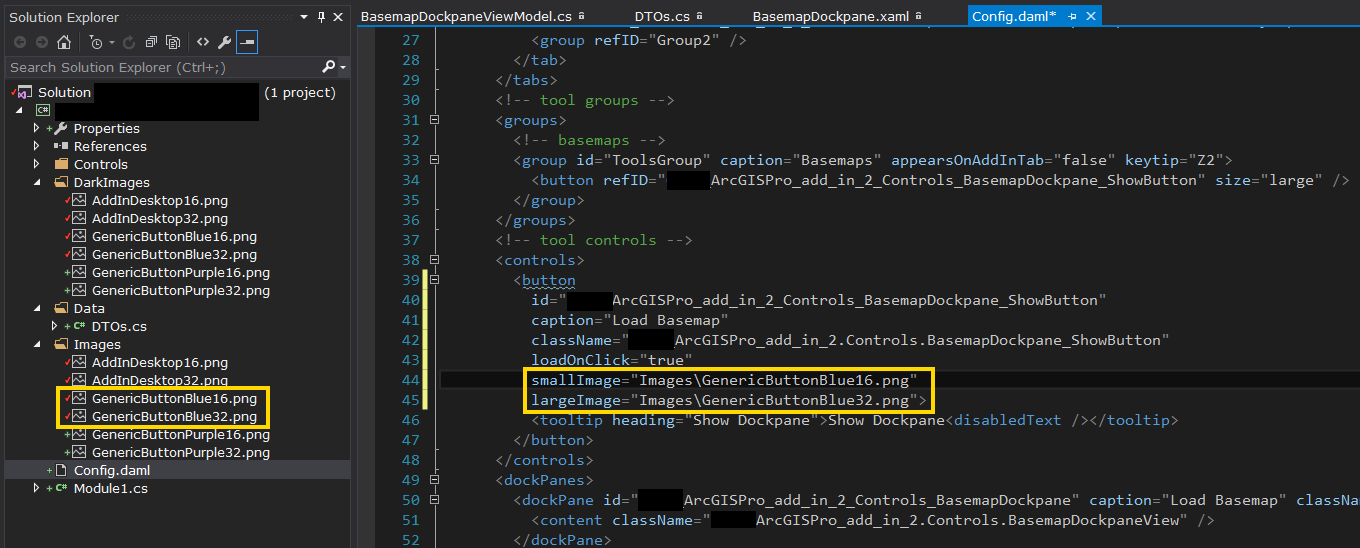
I can't seem to get the icon images to display in my ArcGIS Pro Add-ins. I'm using the default sample icons provided in the ArcGIS Pro SDK Community Samples. Here is a quick screenshot of my solution, showing the folders where the images are saved, and the Config.daml file where they are referenced:
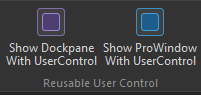
However, the icons do not get displayed when the add-in is executed:

The icons DO work for the sample add-in projects, however. The image files and location are the same in my solution and the sample solution. The markup referencing the images is the same as well.
What should I be looking for in my solution to properly set an image as the ribbon button icon in ArcGIS Pro?



