I saw that there is already an Idea for this, but I wanted to quickly share my issue for intersecting shapes. For context, I just started a hobby project trying to replicate the Dubai Fountain, and to use some deconstructed kitbash architecture features that I want to rebuild into new buildings with procedural model.
I can import the fountain shape from OSM. I decided to build a round platform stretching out just beyond my intended view distance since I don't think I can "stamp" the terrain layer vertically enough for a detailed inset feature like a fountain/pool. I set them both to ground plane with all vertices at y = 0. However, I cannot use the subtract shapes tool without creating a polygon sliver that stretches out to the circles edge. Although, that did allow me to intersect the shapes in a manner. But this will become VERY problematic if I try to add more swimming pools, lakes, and other inset features. 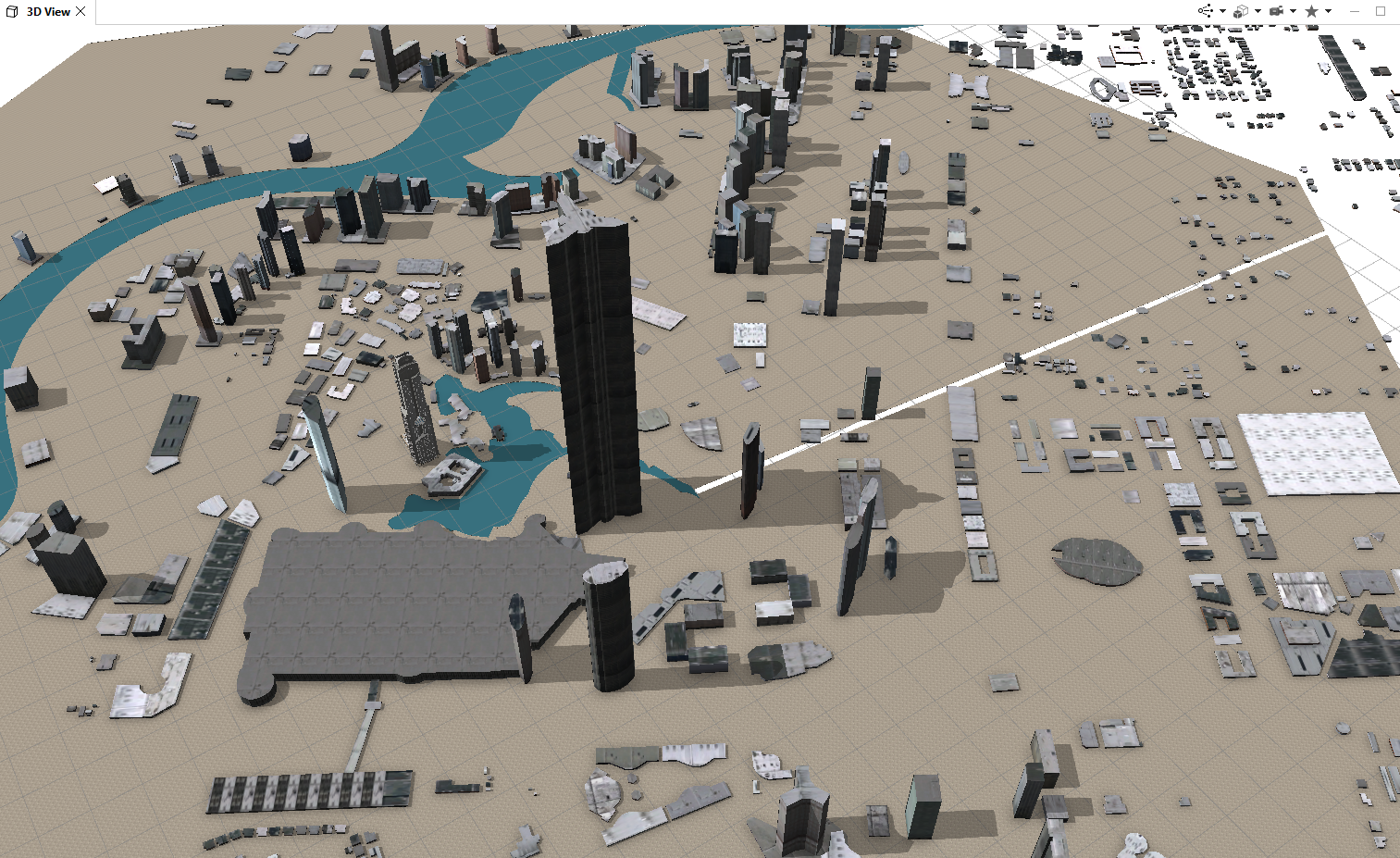
To make this matter more confusing, it looks like I can draw intersecting shapes using polygonal shape drawing tool - squares, circles and sometimes mildly complex polygons that do intersect. But, when I try to separate the inset shape using the shape separate tool, it reverts back to a single plane and creates a second object instead of keeping the hole, which means I can't use the inset shape to apply new code (perhaps a negative extrusion or flipped roof plane for a swimming pool.
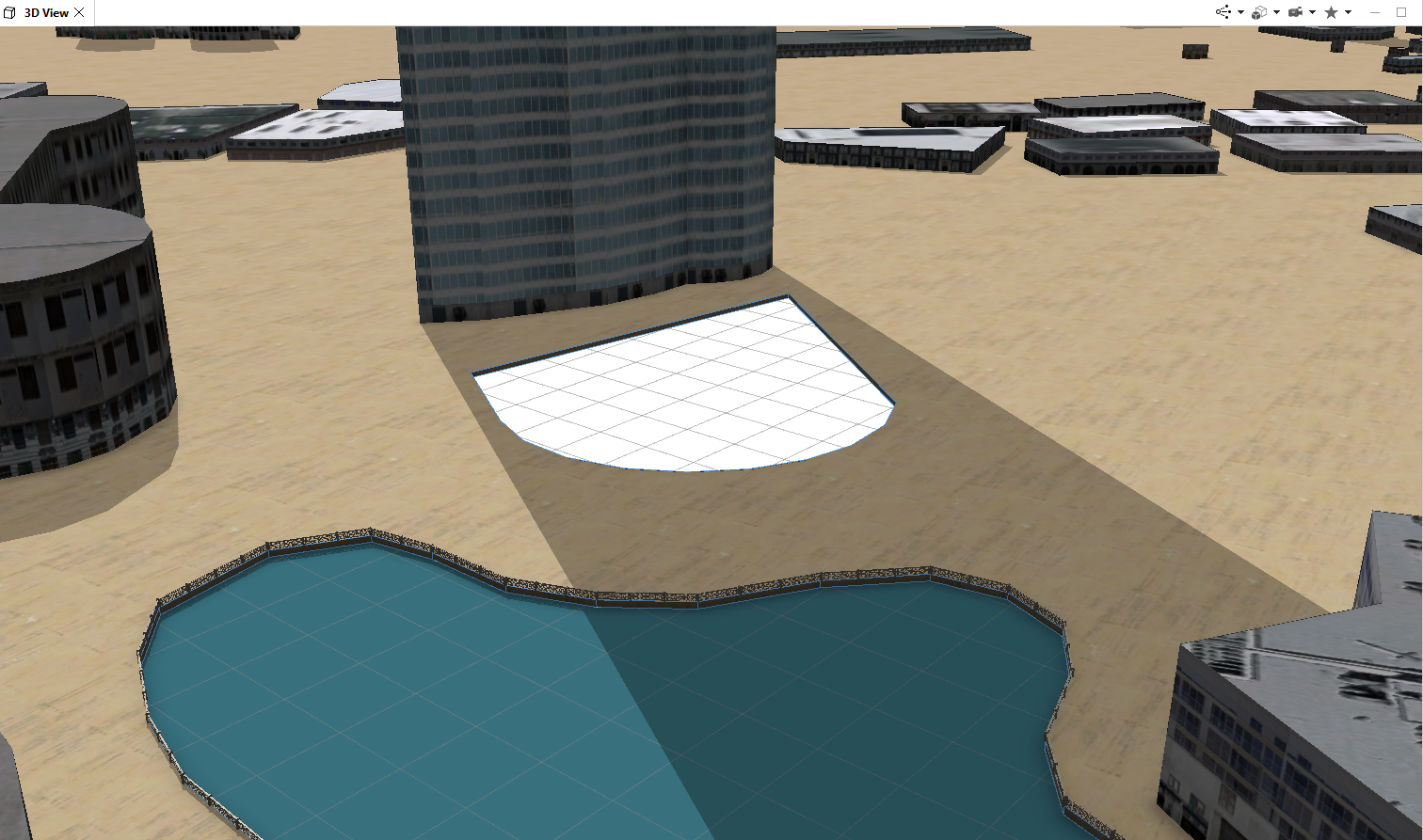
I suppose everything could be built from the ground up without holes/donuts, by thinking forward and extruding all polygons up from base, but that is a much harder place to start your design thinking when working with OSM data.
Also, I tried exporting the shape to ArcGIS Pro, but I had issues with figuring out how to create and edit the shapes there too.
Any ideas, explanations, work-arounds, or possible future features to help with this? Thanks!



