We are currently creating a web application that will be used to show traffic flow within our city. To accomplish this, we are using ArcGIS Experience Builder. As part of this project, we are creating a mobile version of the web application. My question is, is it possible to lock the mobile version of the app into portrait mode (See Fig 1)? In other words, is there a way to prevent the mobile version of the app from rotating into landscape mode on a mobile device such as an Iphone or an Ipad (See Fig 2)? I realize the user can do this manually through disabling rotation on their mobile device. However, we want this functionality to be automatically applied to our web application. We have optimized our mobile version of the application to work in portrait mode and would prefer landscape to be disabled. If this function is unavailable, I would be more than happy to add it to the ideas page. I have included some photos below for your reference:
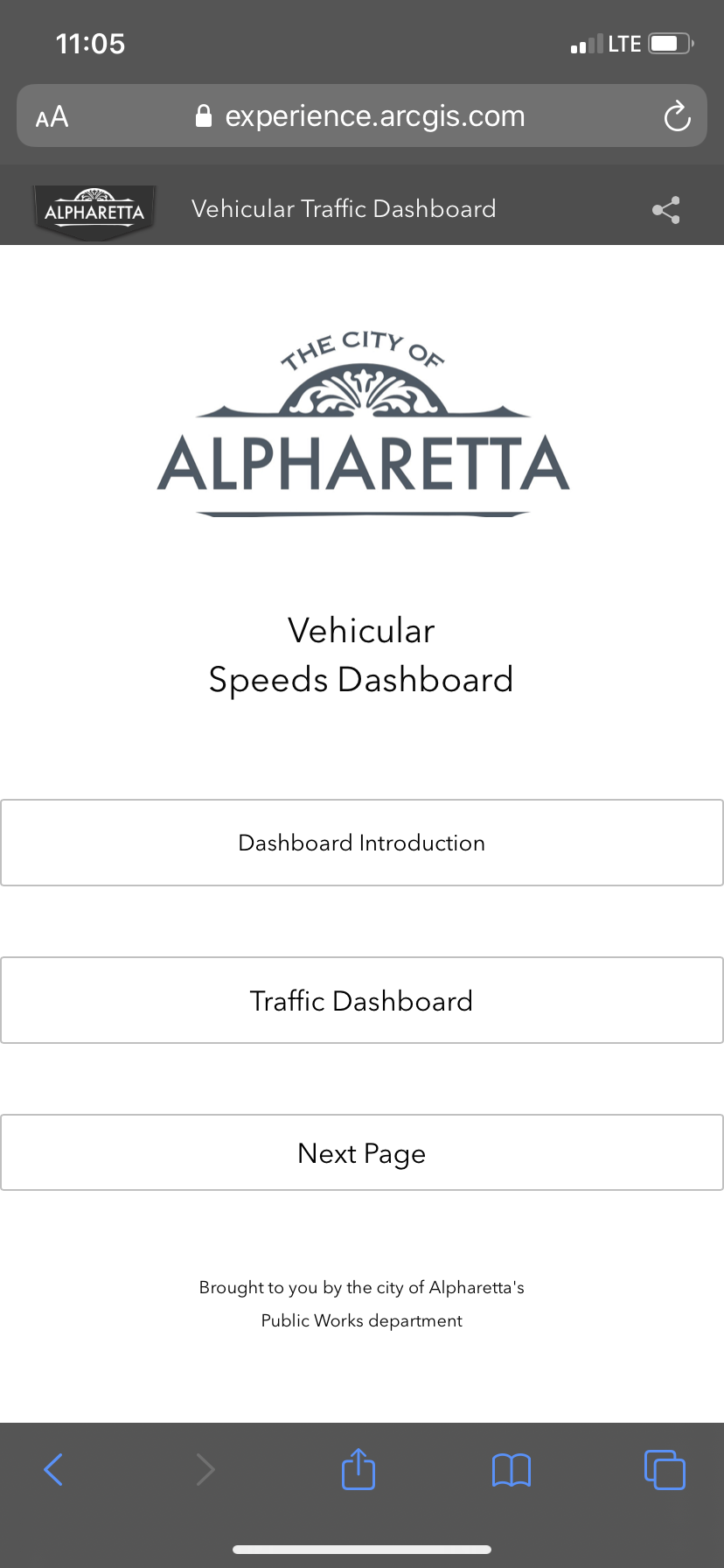
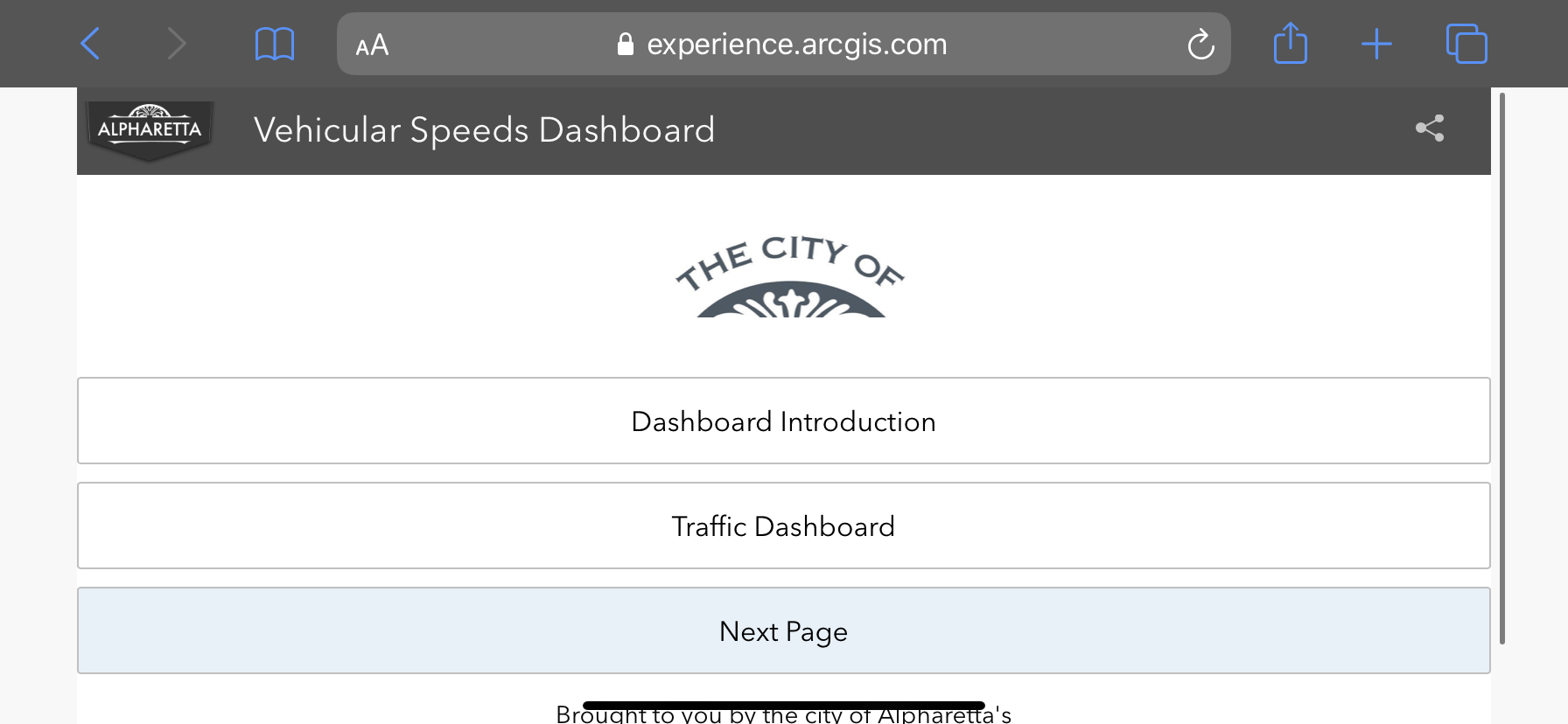
Fig 1 Web App in Portrait Mode Fig 2 Web Application in Landscape Mode. We would like this to be disabled
Please do not hesitate to let me know if I can provide any additional information that might help.
Nico

.png)

