-I want to replace the imagery A in my scene with a Imagery B.
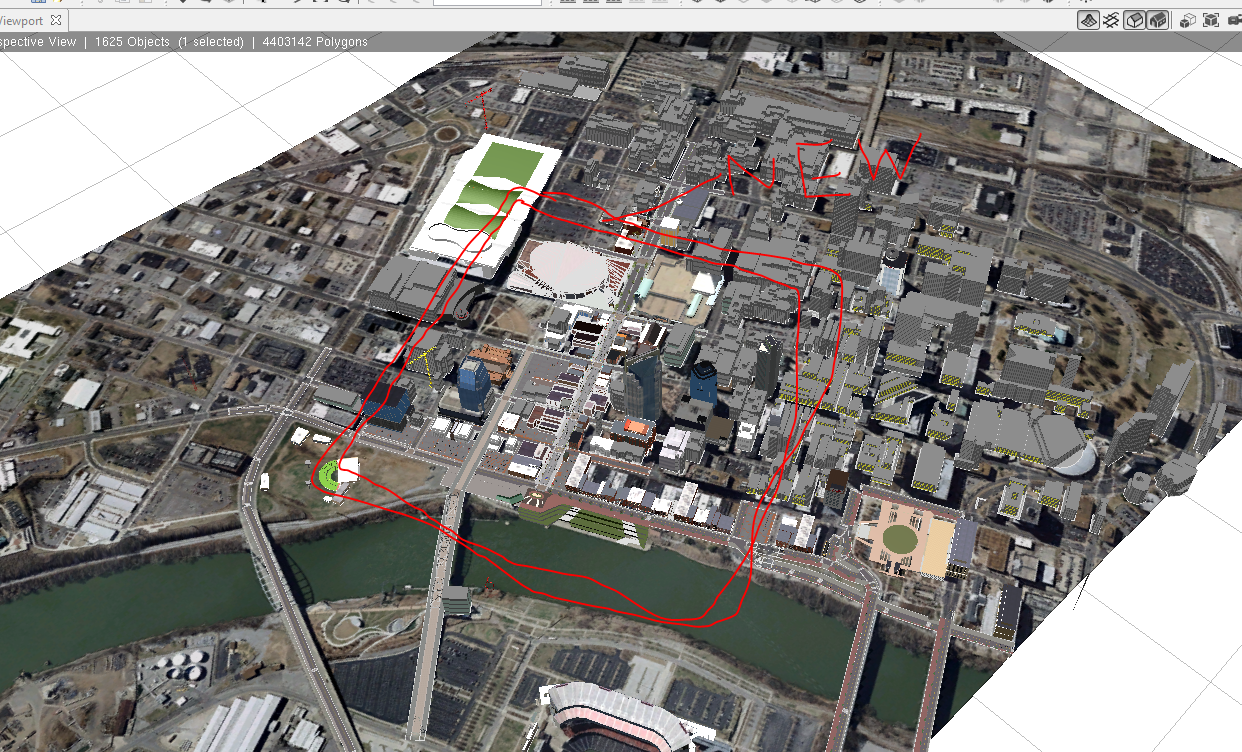
-Imagery B is a smaller area so I am assuming I will need to change the DEM as well because of CE stretching imagery over DEM. (See Attached...the red box is the area of the Imagery B (new image))
-When i use the "browse" buttons under the terrain's Layer attributes for "Map" and "Texture" to replace Map/Texture A with Map/Texture B....the result is the new imagery being the same size as the old. (B has the same extent as A even though I changed the DEM and Imagery to a smaller one). And ,therefore, does not line up with my data.
How can I replace my DEM and Imagery AND extent?
I have a large mix of Rule based models from GIS data AND some manually placed static models from other software (these models dont have a spatial reference)...so I would like to be able to add the new Map/Texture without having to rebuild a whole new scene. 
Thanks.