Hi all,
I created the terrain with height map with tiff images, but the texture is located in wrong position. I posted some screenshots to show my issue.
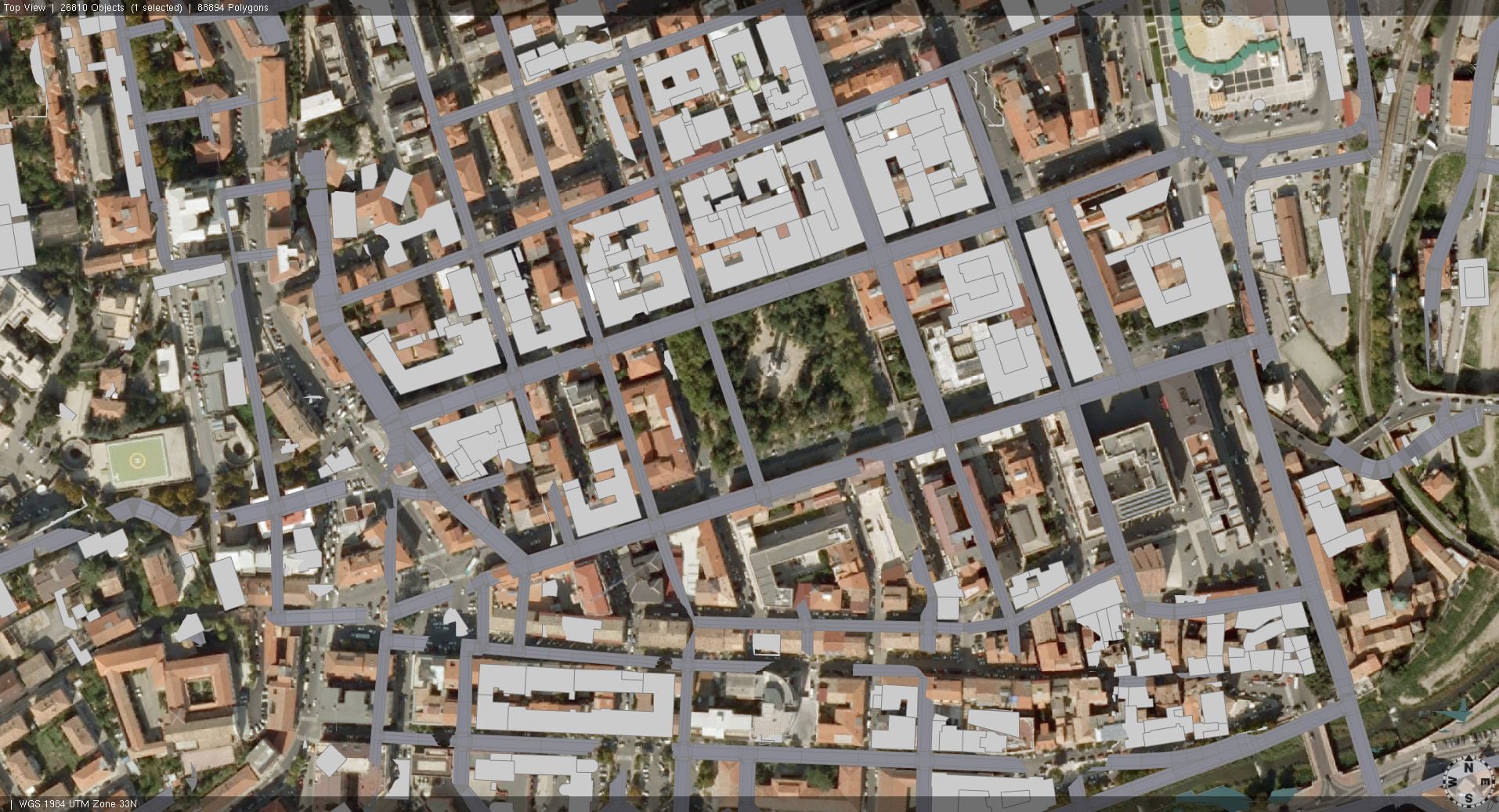
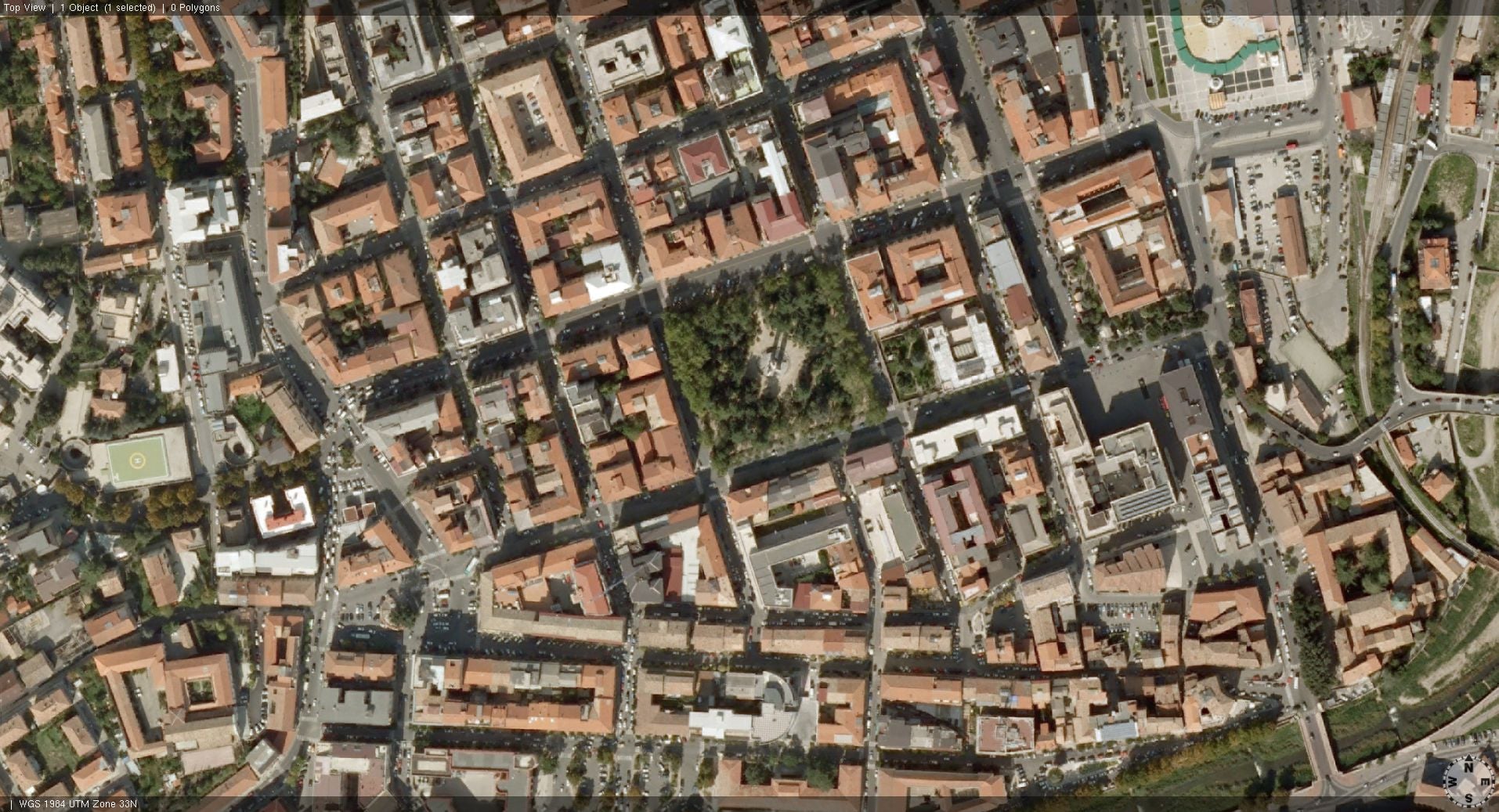
In the first 2 images I created the terrain (Terrain Import) with greyscale tiff for heightmap and set the aerial view as texture. As you can see, the texture is not properly aligned with the buildings and roads position.
In the second 2 images I created a flat terrain (Texture Import) using the same aerial view image, and it is in perfect position with buildings and streets.
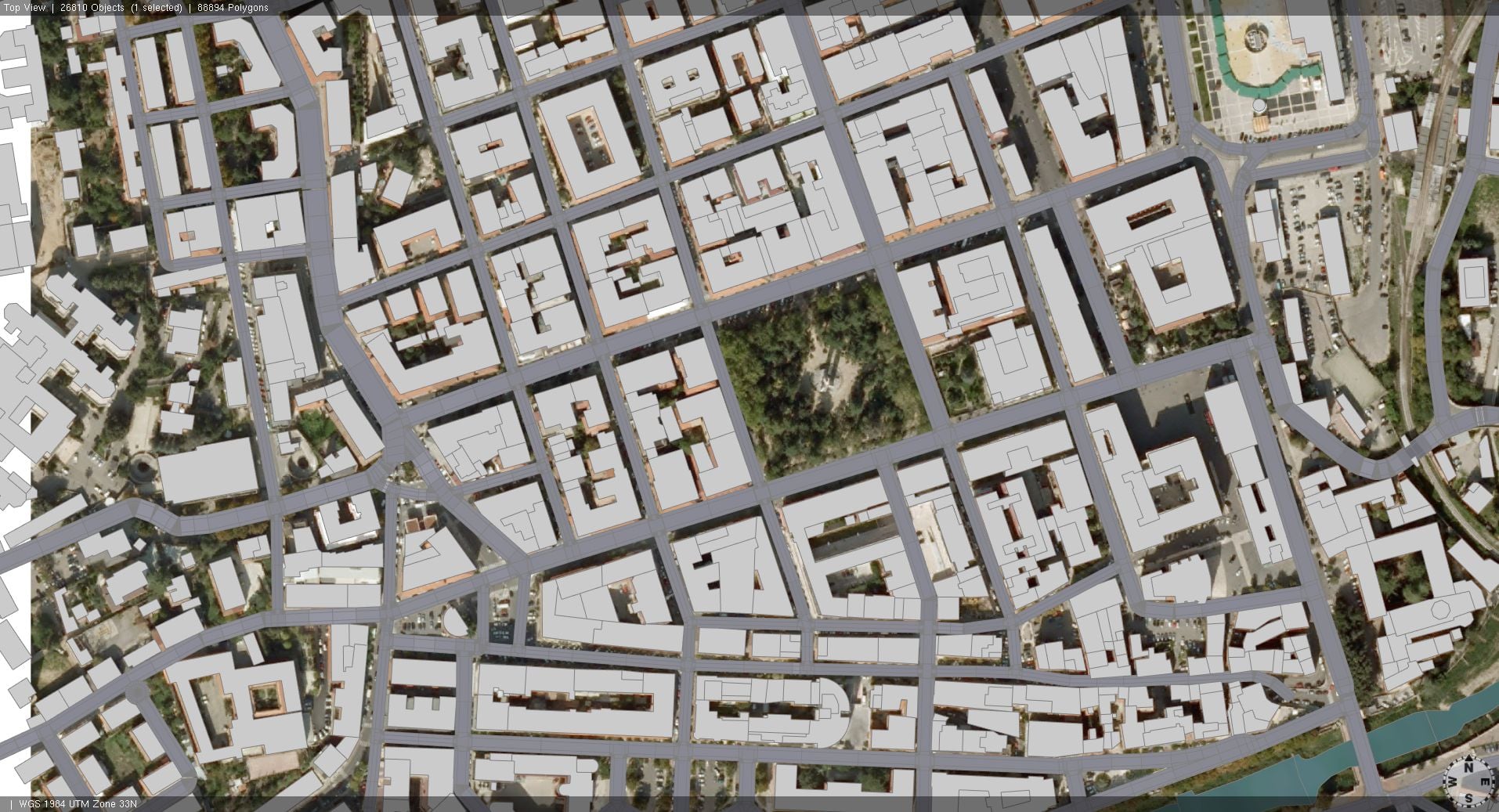
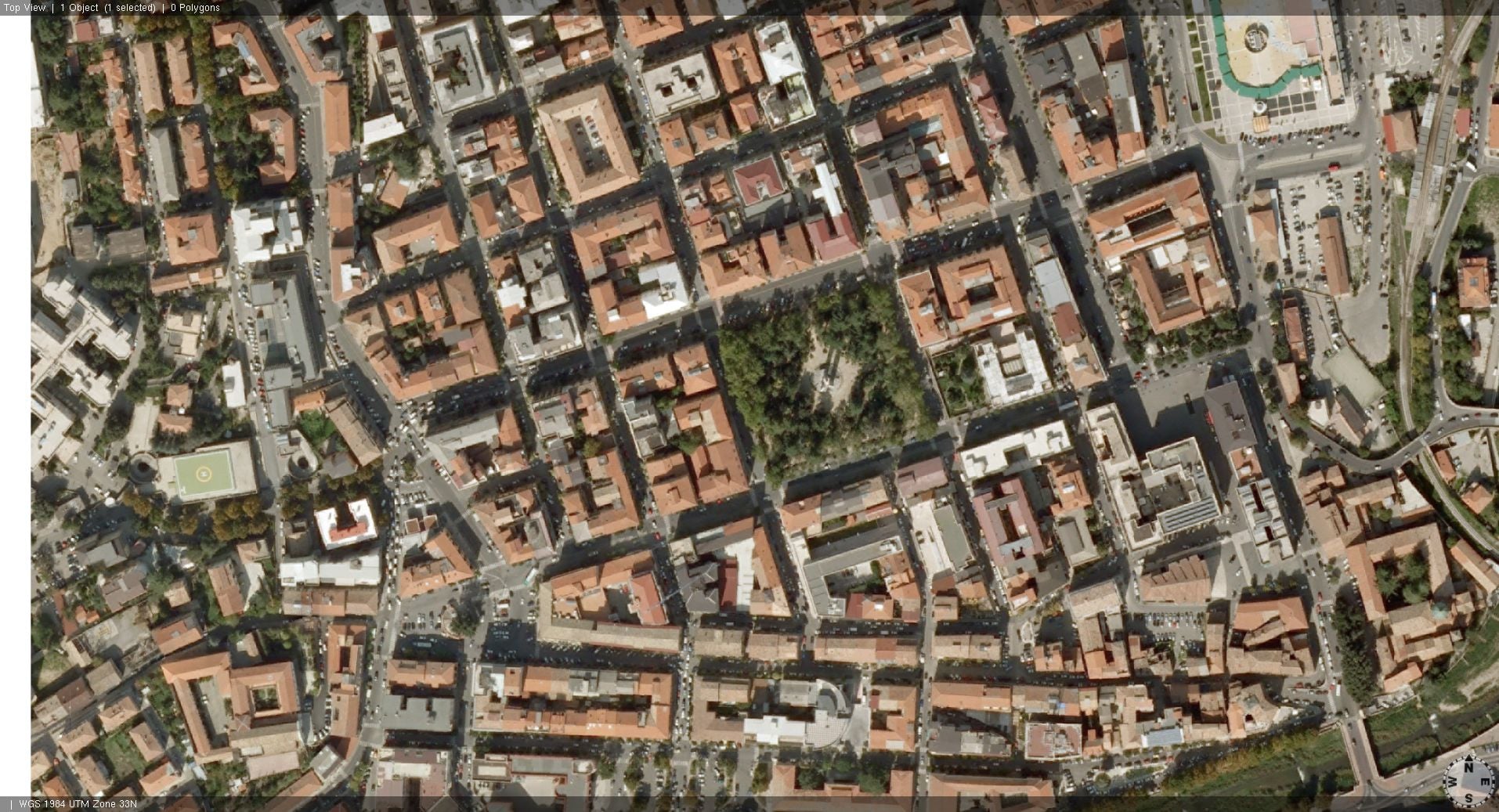
Any suggestion? How can I change the texture mapping?
Please help me!
I add one of the images I was talking about with the heightmap.
Images.zip - Google Drive
Here there is the shape file for the buildings footprints, just to check if the aerial image is correctly located.
Shapefiles.zip - Google Drive
Messaggio modificato da Valerio Bozzo



