We are using the Experience Builder Near me widget to create a planning constraint checker to help people submit good quality planning applications in the first instance.
It's working really well, but we have one small issue with it, illustrated by this example.
Bob the builder wants to develop some land, so he draws a polygon around the field boundary:
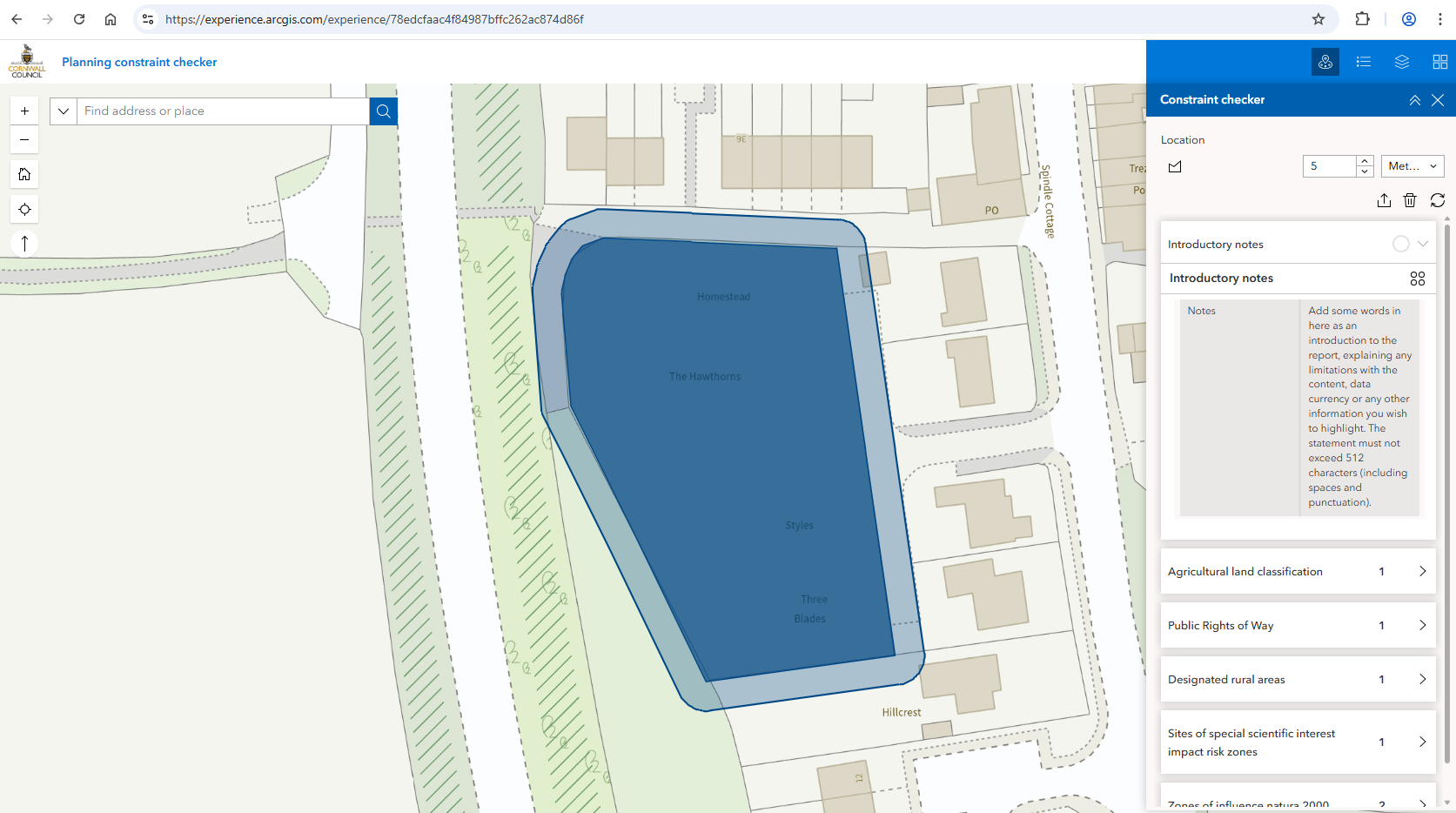
The Near me tool does its thing and presents him with the report. He has a read through - it's grade 3 agricultural land, there's a public right of way to the side of it, so far so good. Then he comes across the constraint called "Designated rural areas". What's that he wonders, and he expands the information:
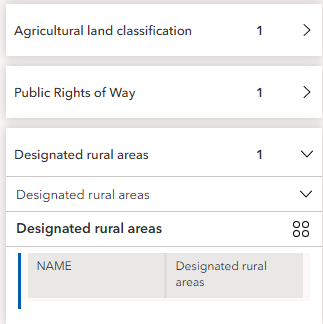
Still not much clearer, he clicks the hob button. The only option we allow is zoom to, so he clicks this to see the extent of that constraint.
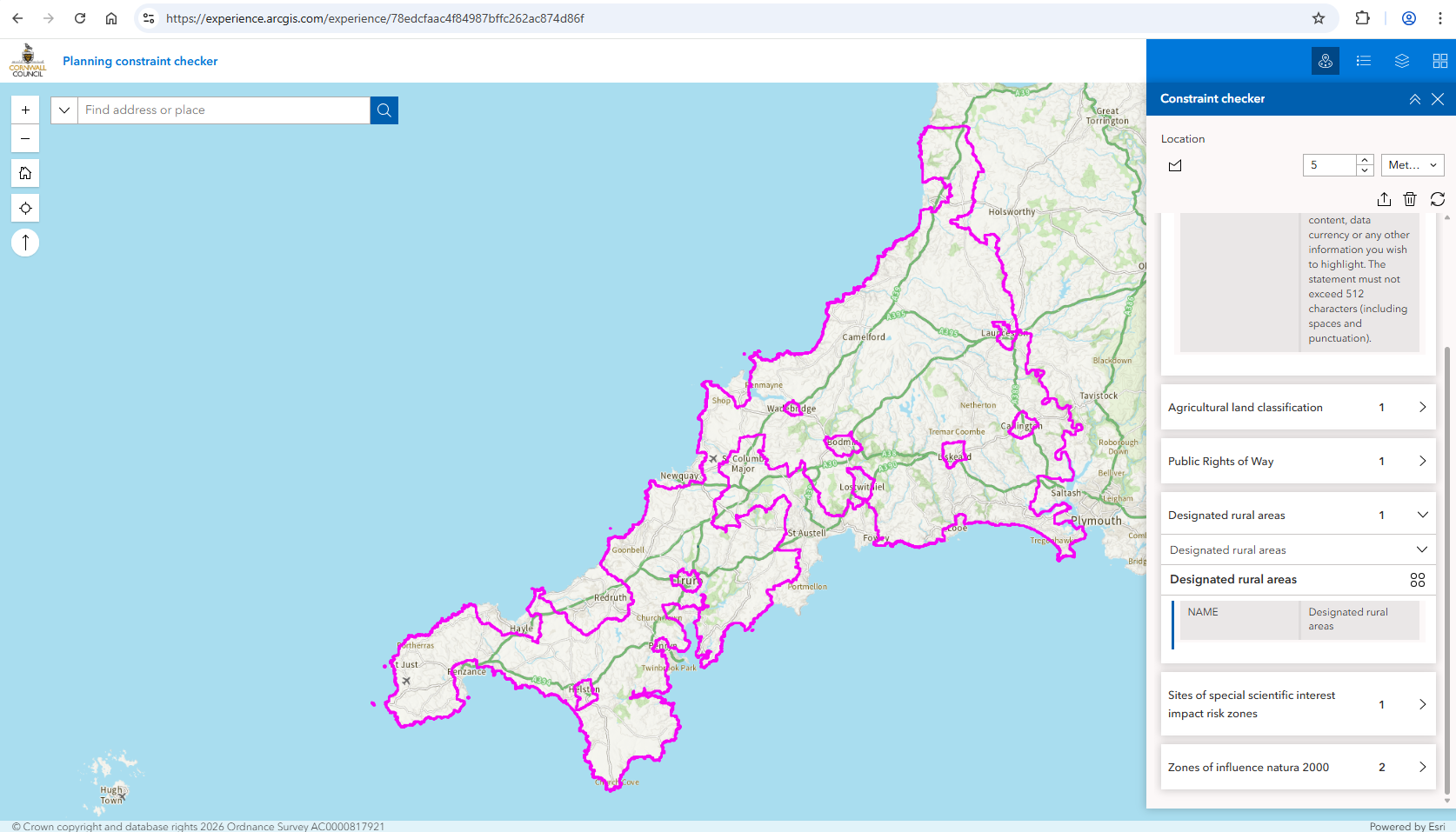
Oops - that constraint is really large, and now poor Bob can't easily find his site again.
What he really needs is a "Back to site" button.
When you click the export button and Export to pdf
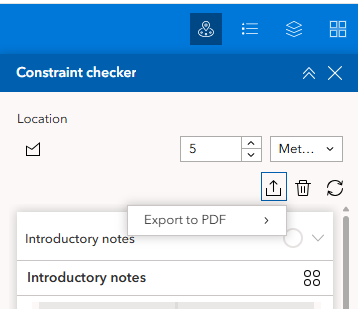
the map automatically zooms to the site again. So it just needs that little bit of code attaching to a button - I'm sure that would be a doddle to implement 😉
Thanks,
Sarah
Cornwall Council


