Greetings,
Georeferencing is doing some strange things I've never seen before. I've done a lot of georeferencing over the years, starting in Map. This is the first time I remember seeing this particular problem, which is that the control points are showing up in random places in my map, totally disconnected from either the point or target layer. The end result is a jpg layer that's completely warped and dis-placed. I've attempted it multiple times w/different techniques but nothing is working.
For example, here's what happens when I create my first control point:
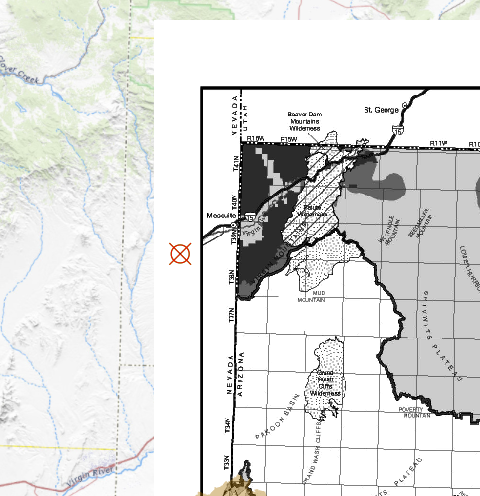
The control point doesn't correspond to where I placed it, in either the point or target layer. You can probably easily tell where this control point should be, at the main corner point shown in both the point and target layers. And yet it shows up in the middle of those two points. I thought that adding more points might solve the problem, but it just makes it worse. After 3 points, my jpg is upside down and warped beyond recognition.
When I used to do this in Map, I found that my results were better if I turned off the auto-adjust from the beginning. I would add a bunch of control points before adjusting to display. In this case, I've tried it both ways. I've tried Fitting to Display from the beginning, and without that. I've tried each way with auto-adjust and without. Every time, I end up with something completely wacky and unusable.
I started out using my basemap for all of my control points. Since that wasn't working, I added a few feature layers to use as point source. That didn't help anything. And that created another problem: I get crosshairs and a label of whatever vertex I'm approaching that get in the way of my being able to see and pinpoint the precise location I want to place the control point.
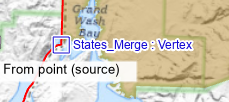
The one thing I continue to dislike about Pro is that it took away the separate viewer window tool for georeferencing. That probably wouldn't fix my problem here, but it sure makes it easier to place control points.
Any advice would be greatly appreciated. Thank you!!


