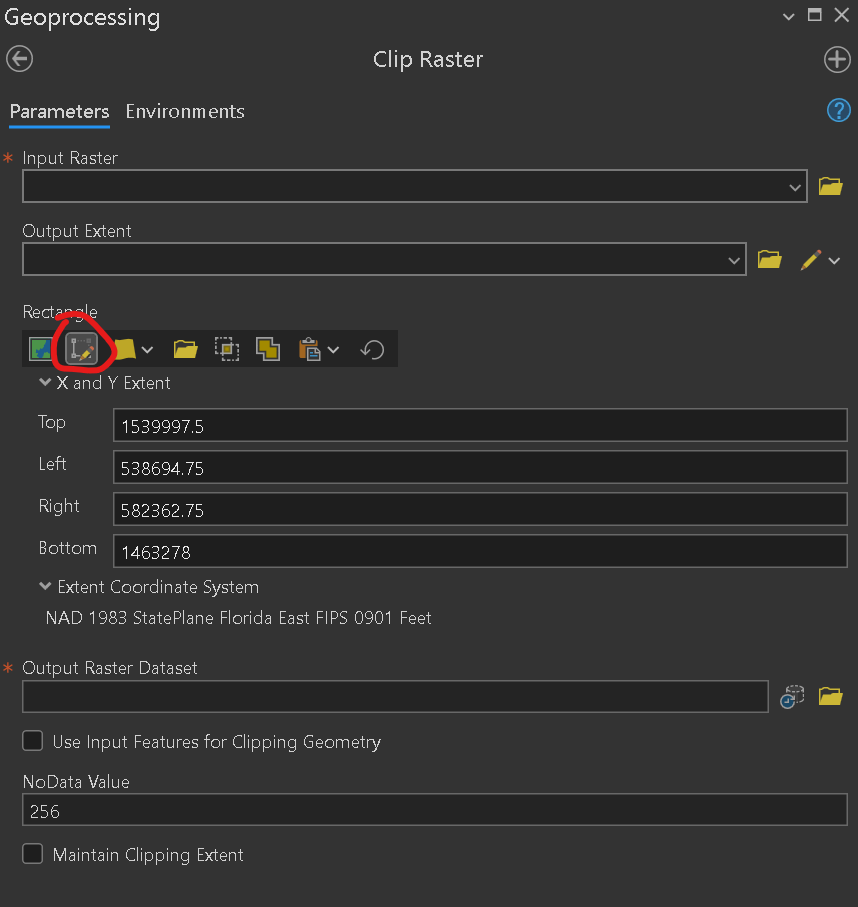
Does anyone know how to use the draw extent tool in the Clip Raster GP tool? After I set an input raster the button can be clicked, but it does nothing, the cursor doesn't change, nothing. Help files don't seem to mention this button. I'm trying to clip a raster without having to create garbage clipping polygons.