I created a dashboard with 5 indicators which I am embedding into Experience Builder window. The data on the dashboard refreshes automatically every 6 seconds. I ended up creating separate rich text elements for the categories so that I could choose a font size instead of the "medium" and "large" options available for the indicator since the words kept changing sizes and getting cut off:
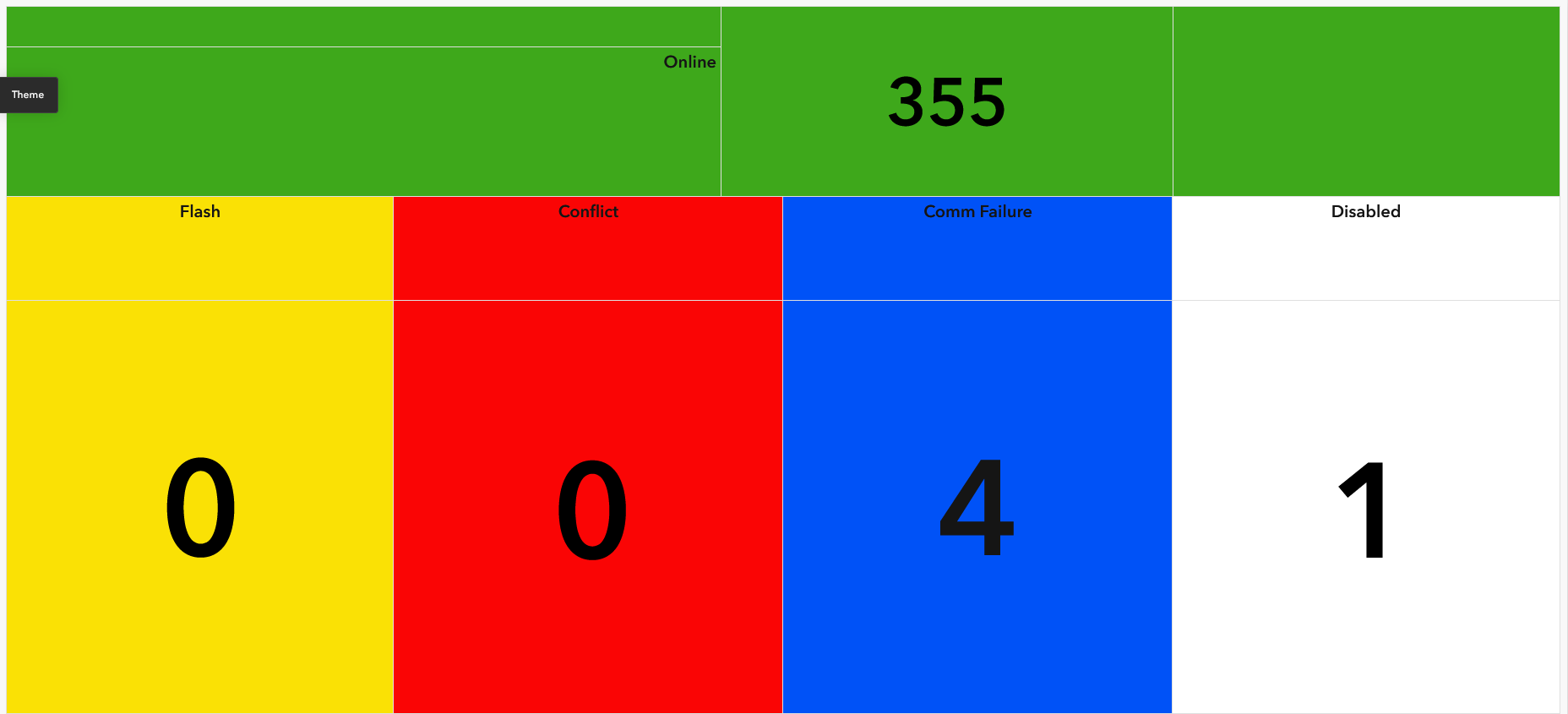
But I'm still having the same issue with the indicator's numbers changing sizes with no apparent cause. The second screenshot is how I want it to look.
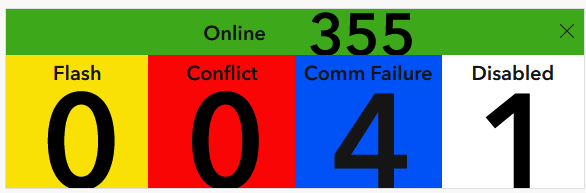
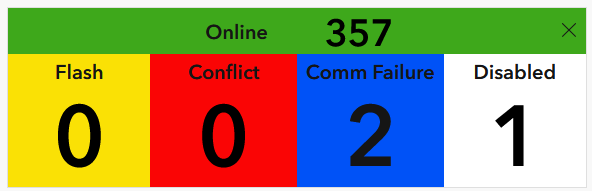
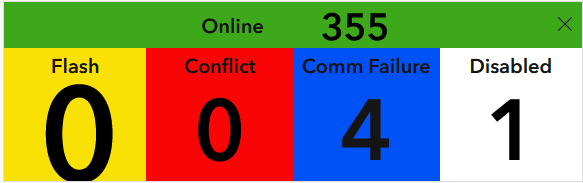
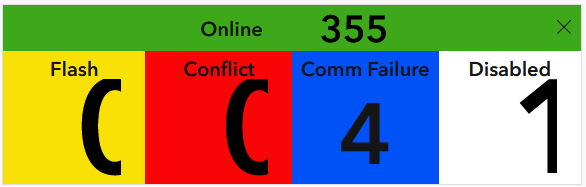
Why do the font sizes change like this? The window in my Experience Builder app is a set width/height. Is there a way to set a font size for the indicator in Advanced Formatting?

