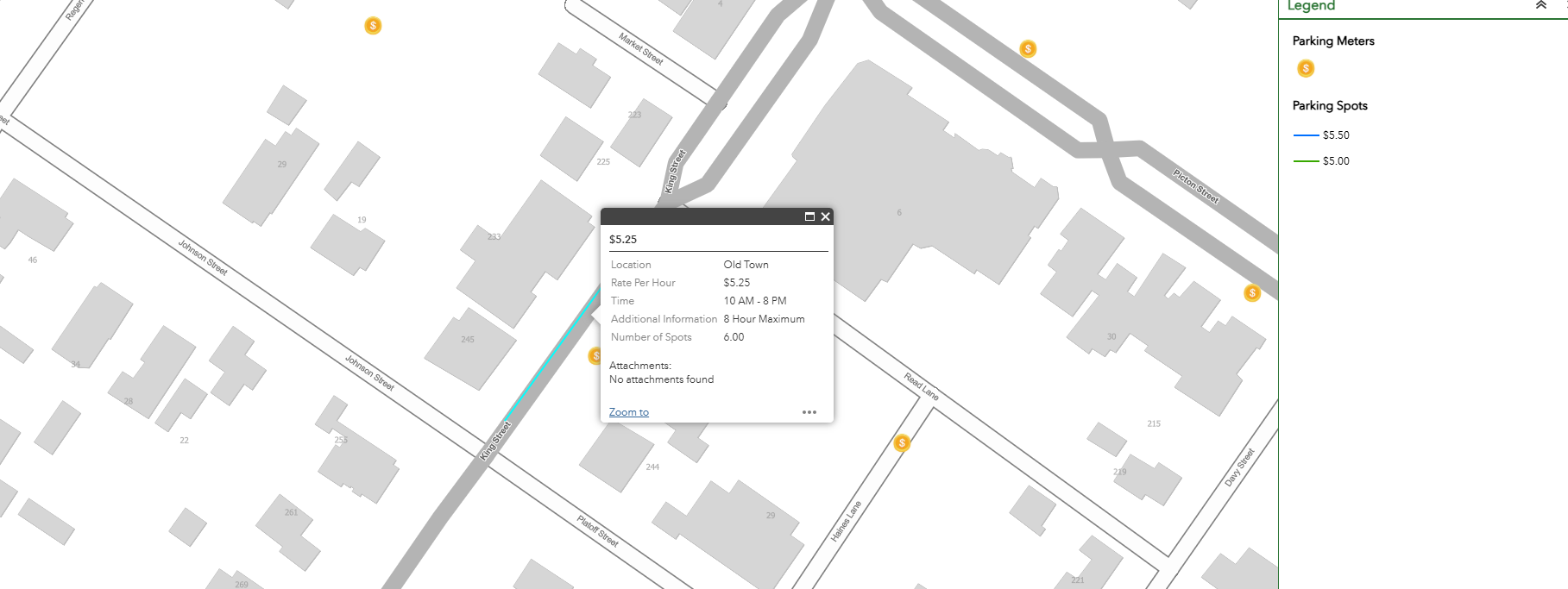
I'm using Web AppBuilder in ArcGIS Online to display a municipal parking layer. I recently updated the symbology in the web map to include new parking prices (e.g., added $6.00).
The map does reflect the new prices correctly when you click on a parking spot — the pop-up shows the updated value. However, the legend does not display any symbols now. It appears to still be tied to the old symbology (e.g., $5.00 and $5.50), and doesn't reflect the new values I added.
Even after saving the web map, the Web AppBuilder legend remains out of sync — no symbols are shown, even though the data and pop-ups are correct.
Is there a way to force Web AppBuilder to refresh or re-sync its legend with the updated symbology?
Thanks in advance for any help!
Here is what it is supposed to show
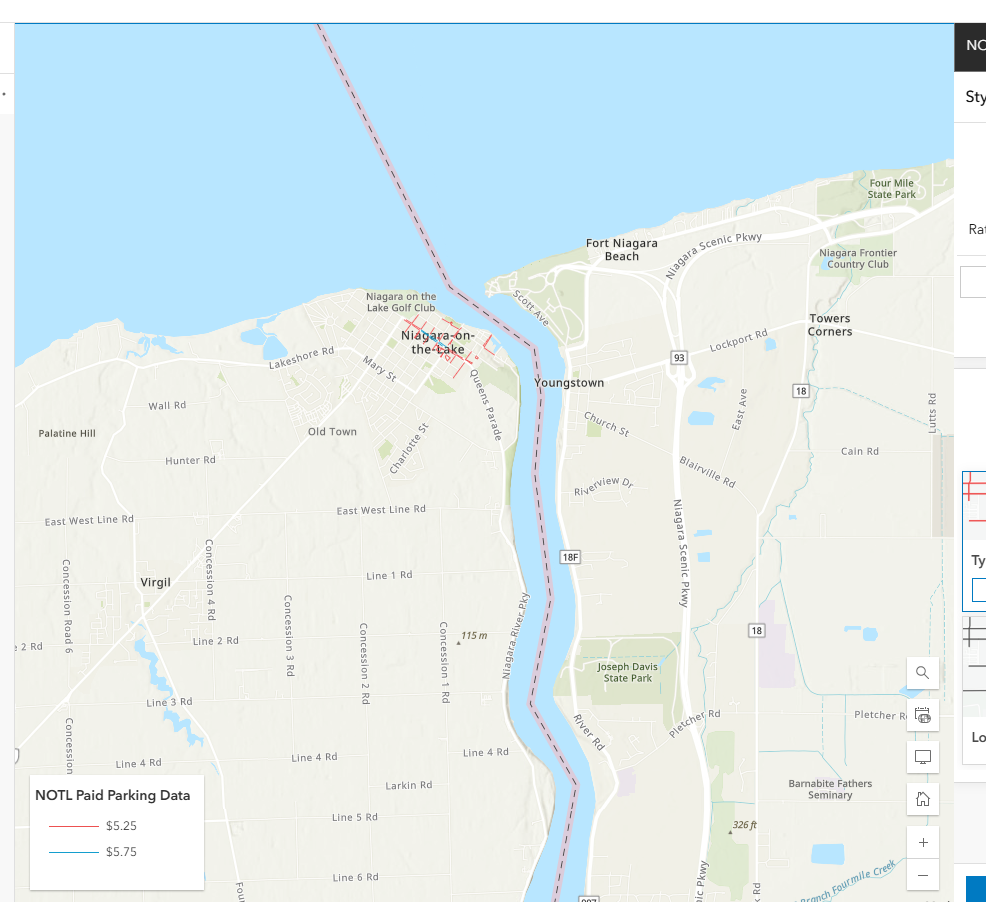
And here is the issue, the legend only reflects the old prices, so nothing shows.