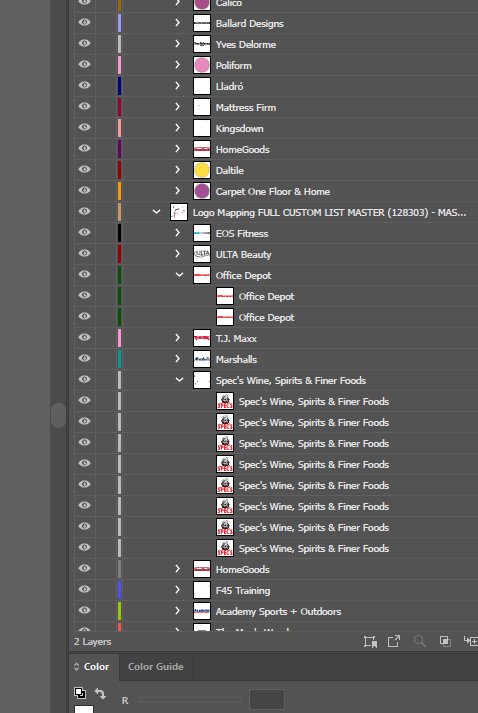
I frequently use a symbol library to replace dots with SVG retailer logos when syncing maps.
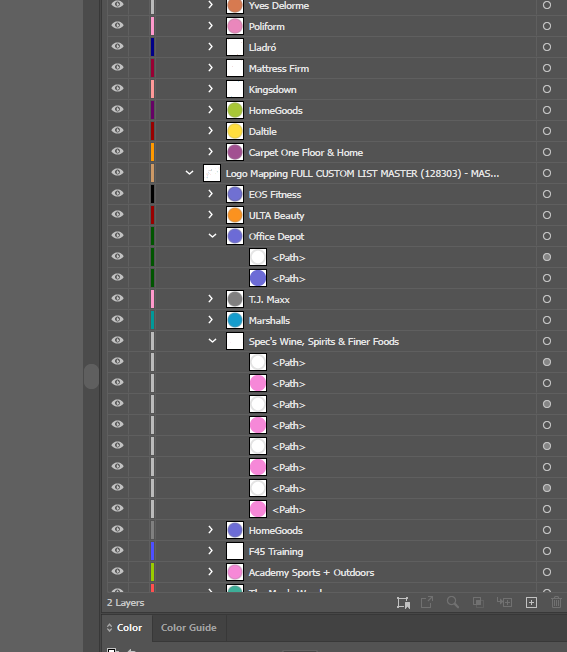
I've noticed an issue when using custom symbols since the latest update where they will all be doubled. For example, one point representing a Walmart will end up syncing as two identical Walmart logos.
The point layers are symbolized by the retailer name attribute (unique symbols) using Esri's default color settings. When syncing the points without replacing the symbols, I can see that each point now comes in as two paths, one for the fill color and the other for the semi-transparent outline of each point that is there by default. This must be why I am getting duplicated logos.
Is there any way to get around this without manually removing the stroke on every point in the AGOL layers?
Images attached: