Hi guys, i've created an application with arcgis experience builder dev edition (1.15)
Each time I made major modification, i publish another version. For example in August it was "Application 1.7.2" and for the major update of September it was changed to "Application 1.8".
Before, i just extract the ZIP of the application on the "wwwroot", and each time i have an update, each ZIP was on another folder and I just change the URL on the application in my content. So I change the name here :
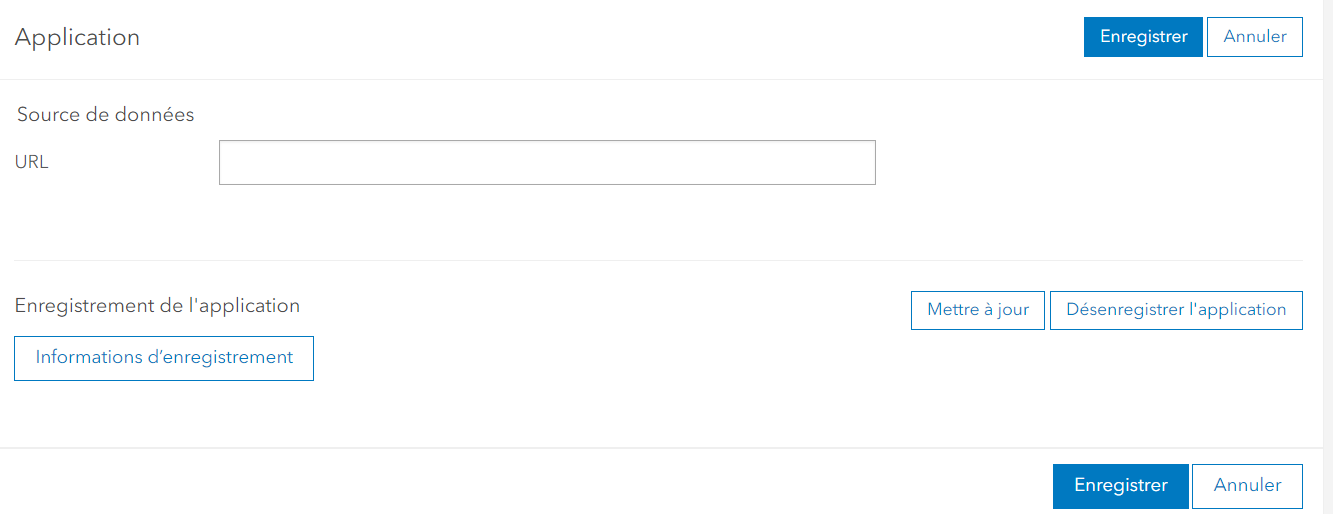
and here
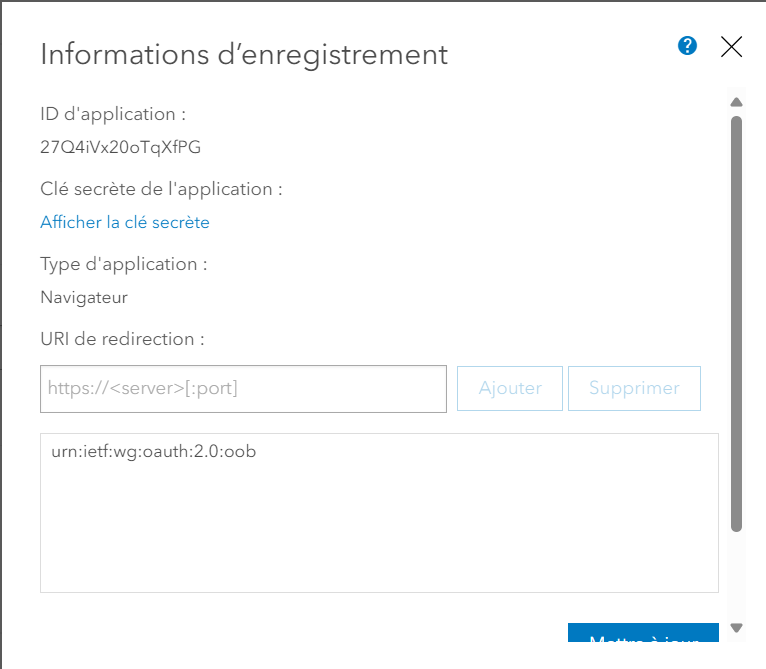
So for example https://gis-portal.com/Application_1_7_2 became https://gis-portal.com/Application_1_8 (do not click on the link, there are only example).
But to use google analytics, and to be more logical, I prefere to keep a link like this : https://gis-portal.com/Application in this case, the link never change.
In practice here is my method : I rename my "Application" folder in wwwroot by "ApplicationT", delete the ClientID, create a folder "Application" and unzip my experience builder inside. After that i assignate the ClientID of my application in my portal content and go to the application.
But i have one major problem : for certain of my user, the application is the oldest version. The new features do not appears.
So I try to unregister the app and create another one only for this version, modifie the ClientID in the config.js files on the "Application" folder.... but this created a second problem, when people connect to the application (SSO connexion) there is the following error :
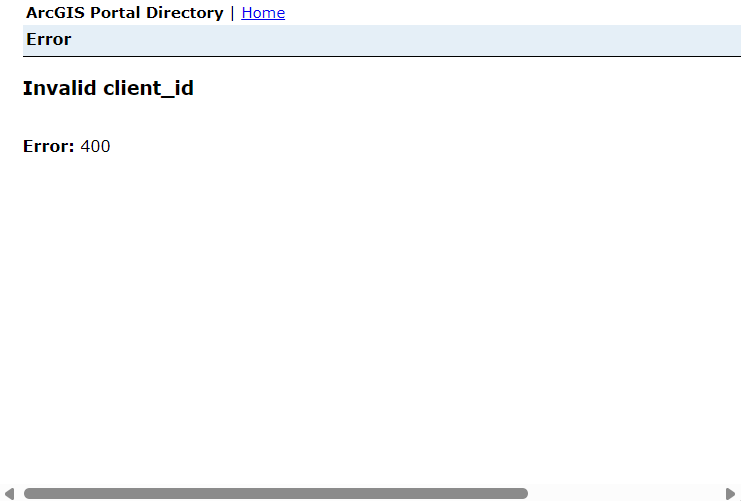
and in the link : https://gisportal.com/portal/sharing/rest/oauth2/authorize?client_id=T7XQ9XNR6D6T8S4I&
The client ID on the URL is the oldest client ID of the oldest Application that I unregister before.
So i'm lost. What should I do to keep the same URL when I update my Experience Builder and that users have the new update and not the old one which remains for a reason that I do not know?
And why after changing the ClientID, when I'm launching the app the request are send with the old client ID ?
Thanks for your help



