Hey there,
I have a WebApp that utilizes the Situation Awareness Widget to list resources from 40+ layers on a map within the specified radius.
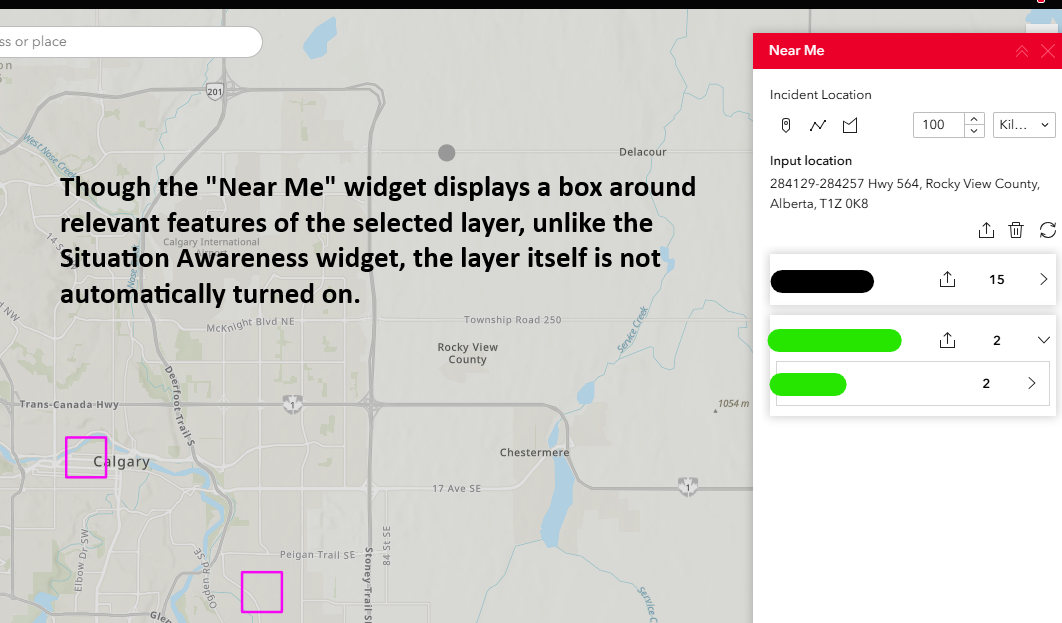
When re-creating that workflow in Experience Builder, based on this blog post, the proper widget to use is the Near Me widget. I've re-created some functionality using this , however a key function missing is layer visibility and toggling.
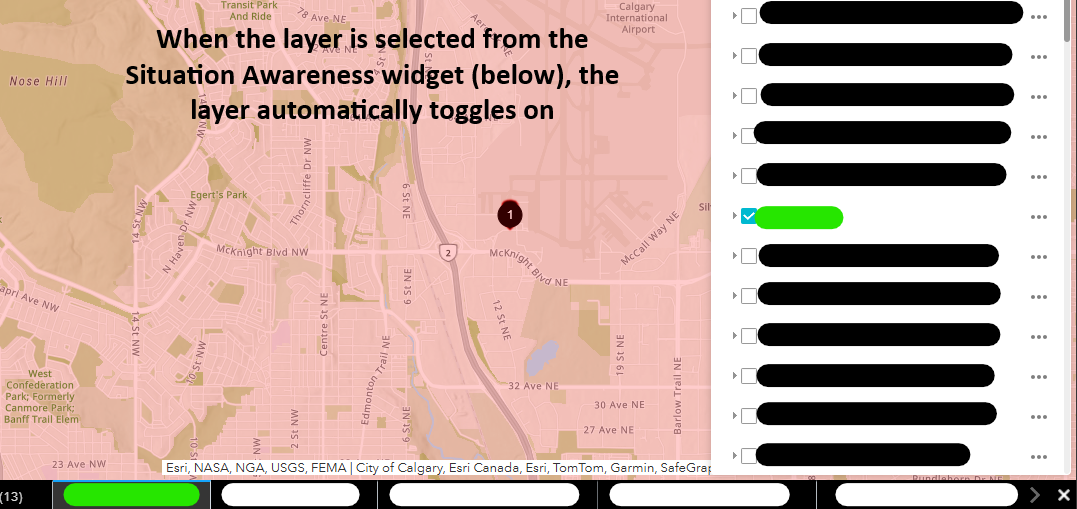
The 40+ layers in the map are turned off by default to prevent crowding the map and excessive load times. When the Situation Awareness widget is used in our original WebApp, any layers with features in the radius get turned on automatically when selected.
From the Situation Awareness widget documentation:
When the widget opens, visibility is turned off for all map layers that have been configured... The layers become visible when used by the widget
Is there a way to re-create this in Experience Builder out of the box or would that require creation of a custom widget via Developer Edition?
Based on threads I've looked at, it seems like toggling layer visibility may not be possible without using Developer Edition. There were some workarounds that came up (filter widget, switching between views), but nothing seemed to have the functionality of the original Situation Awareness widget.
I figured I'd ask here to see if anyone has solutions before getting in too deep.
Thanks all.