Hi,
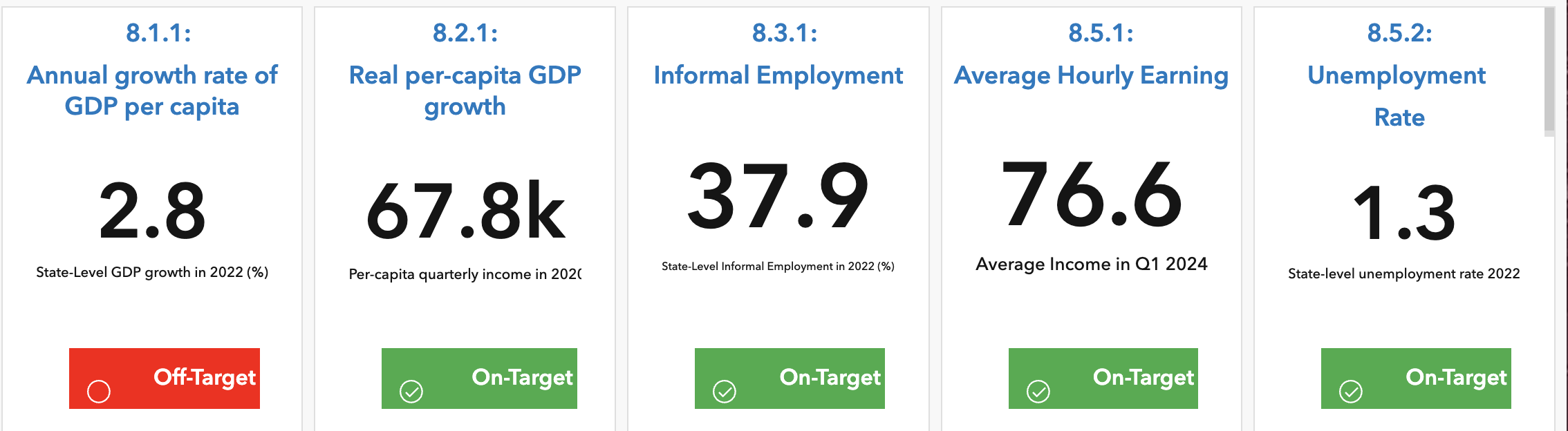
We are trying to build an ArcGIS Dashboard, yet having struggle with formatting the label. So far our On-Target and Off-Target look like below. As you can see, the on-target and off-target boxes are not centered, so do the "Off-Target" and "On-Target" texts and the tick and circle label:
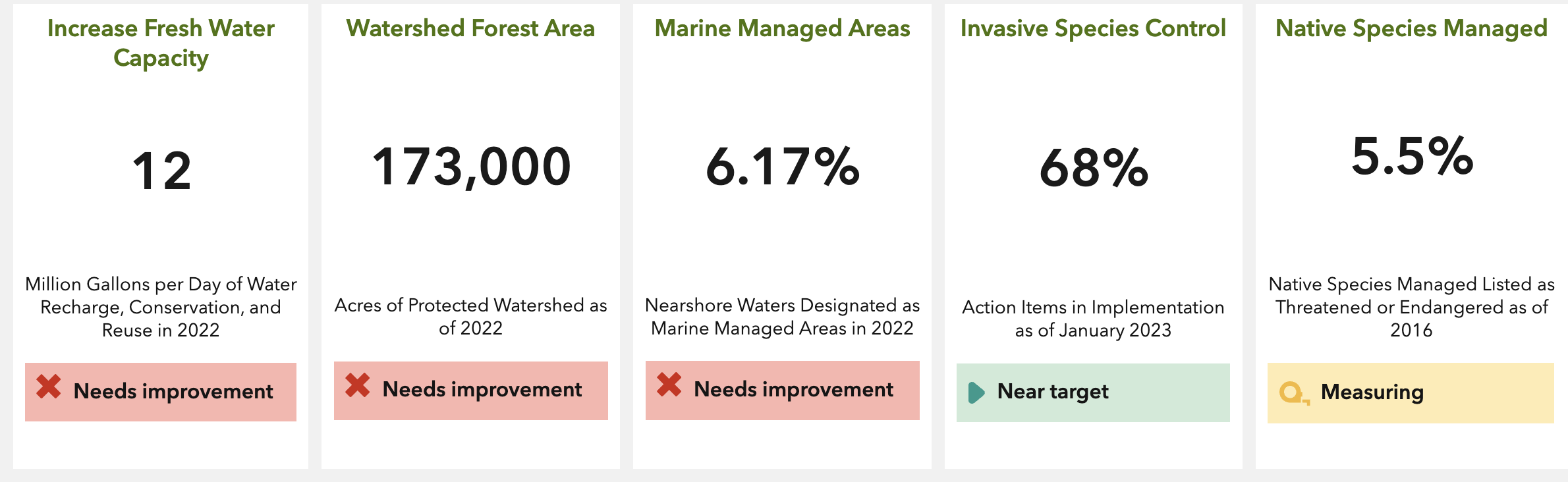
Eventually, we want to have the final output for On-Target/Off-Target labels look as follow in the ArcGIS Dashboard by Hawaii (https://alohachallenge.hawaii.gov/#HawaiiVLR):
We are using the following HTML code to make the On-Target and Off-Target label in our Dashboard, not sure something wrong going on with the code:
<figure class="table" style="width:100%;">
<table style="background-color:#35ac46;color:#ffffff;font-size:16px;padding:0px;">
<thead>
<tr>
<th width="40">
<p>
</p>
<svg style="display:block;margin-left:auto;margin-right:auto;vertical-align:middle;" fill="#ffffff" height="18" id="ember25808" viewBox="0 0 16 16" width="100%" xmlns="http://www.w3.org/2000/svg" xmlns:xlink="http://www.w3.org/1999/xlink"><path d="M7.5 0C3.366 0 0 3.364 0 7.5S3.365 15 7.5 15c4.136 0 7.5-3.364 7.5-7.5S11.636 0 7.5 0zm.001 14C3.916 14 1 11.084 1 7.5S3.916 1 7.501 1C11.085 1 14 3.916 14 7.5S11.085 14 7.501 14z"></path><path d="M11.634 4.633L6.5 9.767 4.312 7.579l-.707.707L6.5 11.18l5.841-5.84z"></path></svg>
</th>
<th style="text-align:center;">
<p style="text-align:center;">
On-Target
</p>
</th>
</tr>
</thead>
</table>
</figure>



