Hi there, Great to see how far the print widget has come. One of my clients tried to use the print widget we set up for them the other day and got confused. She had zoomed into a specific layer in the map, but because she had zoomed too far in (beyond the zoom in minimum of that layer) she couldn't see it in her print export.
This is obvious to me the creator of the Experience Builder, but not for non-GIS oriented people or people unfamiliar with how to use webapps.
Is there somewhere on/within the print widget where I can write some directions like if you zoom beyond X extent you it's not going to show in the print export?
I have the print widget opening from the widget menu.
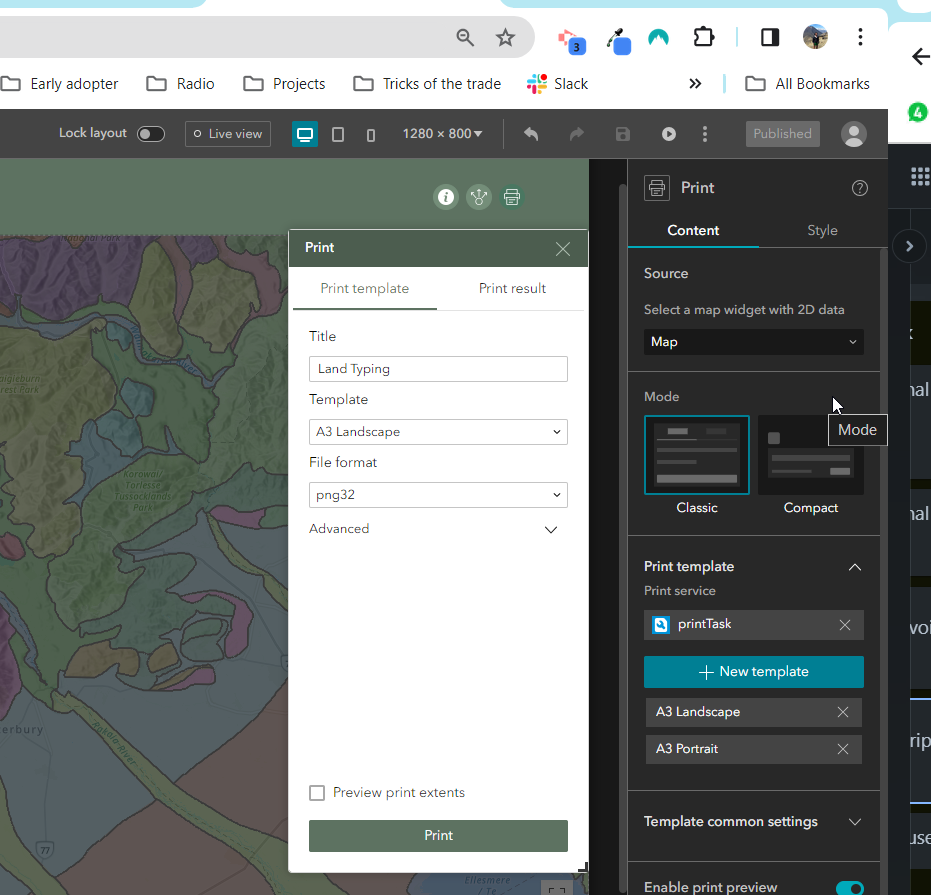
I did consider putting a warning on the splash window and the about area, but think it would be most useful for the users to see right before they go to print.
I think the ideal spot would be right above print template and print result to have some free text.



