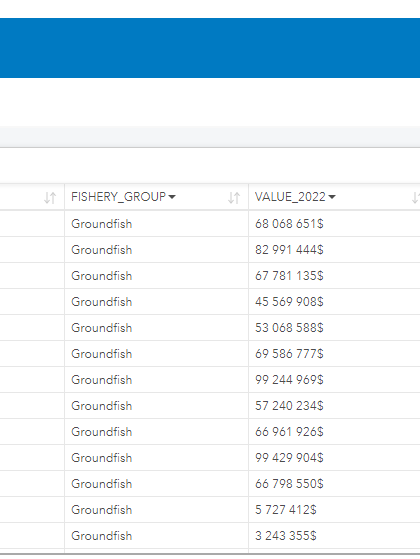
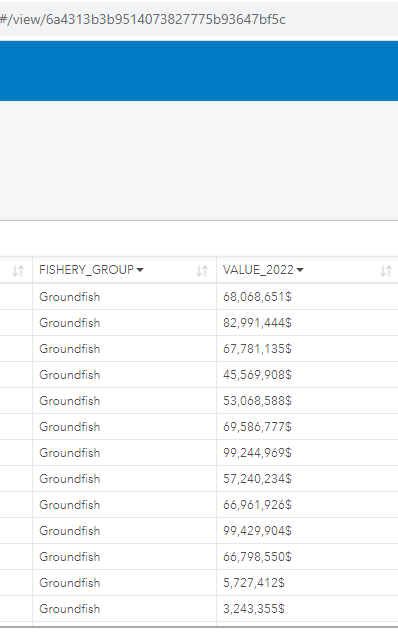
You can add a $ sign behind a number in Insights Enterprise or Desktop v2023.2, but you cannot configure the number display to be in the French manner, where a space is used in place of a comma. When using Insights desktop, you can alter the language settings to see a space instead of a comma. However, once published, if the browser language setting is still set to English, the comma will once again appear.
Desktop:
Browser:
Base on the documentation, it looks the browser language setting is the only option:
https://doc.arcgis.com/en/insights/latest/administer/set-language.htm



