Hello!
I'm a new GIS user and I'm trying to do some tutorials I found online. I'm currently trying to start this one:
https://learn.arcgis.com/en/projects/model-coastal-inundation-impact/
However, whenever I download the .zip file as the article instructs, I can't open it in ArcGIS. As the tutorial instructs, I download it, and then open it through the "open a new project".
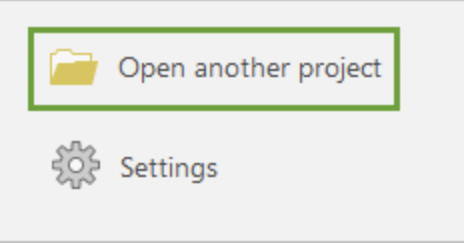
When I click it, it gives me this:
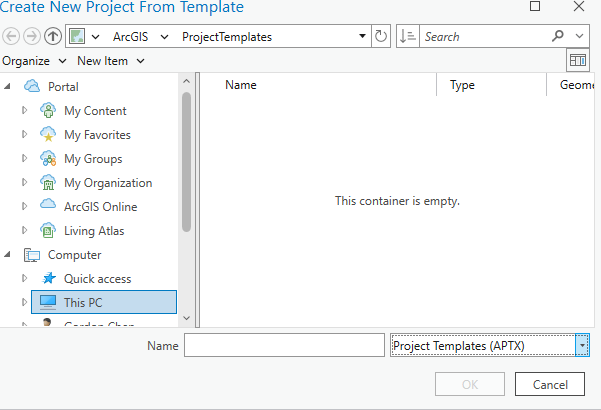
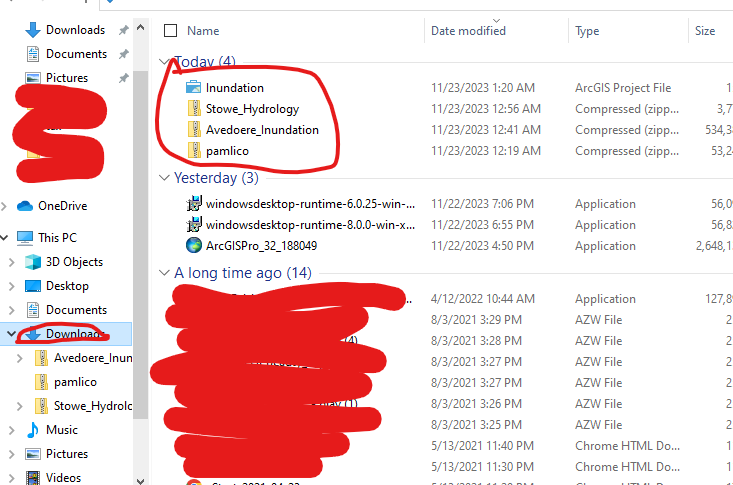
Even though when I go through my files, it is clearly displayed:
I also tried just straight up going through the files and clicking on the project file, but none of the other data in the folder carried over. I just clicked on the "Inundation" file:
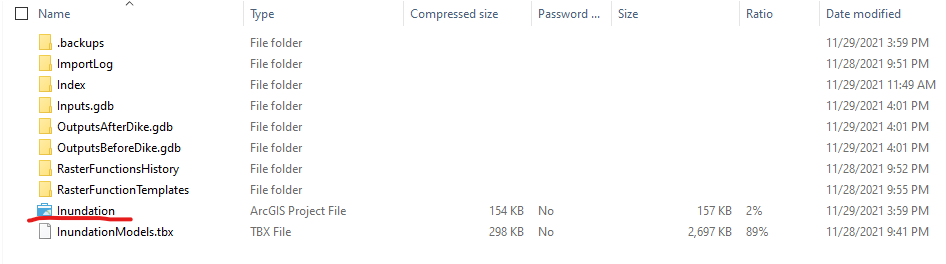
When I did so, all the data in the Inputs.gdb, etc. were all gone, which makes sense, but I still don't know how to open it in GIS.
Any help would be appreciated  . Thank you!

