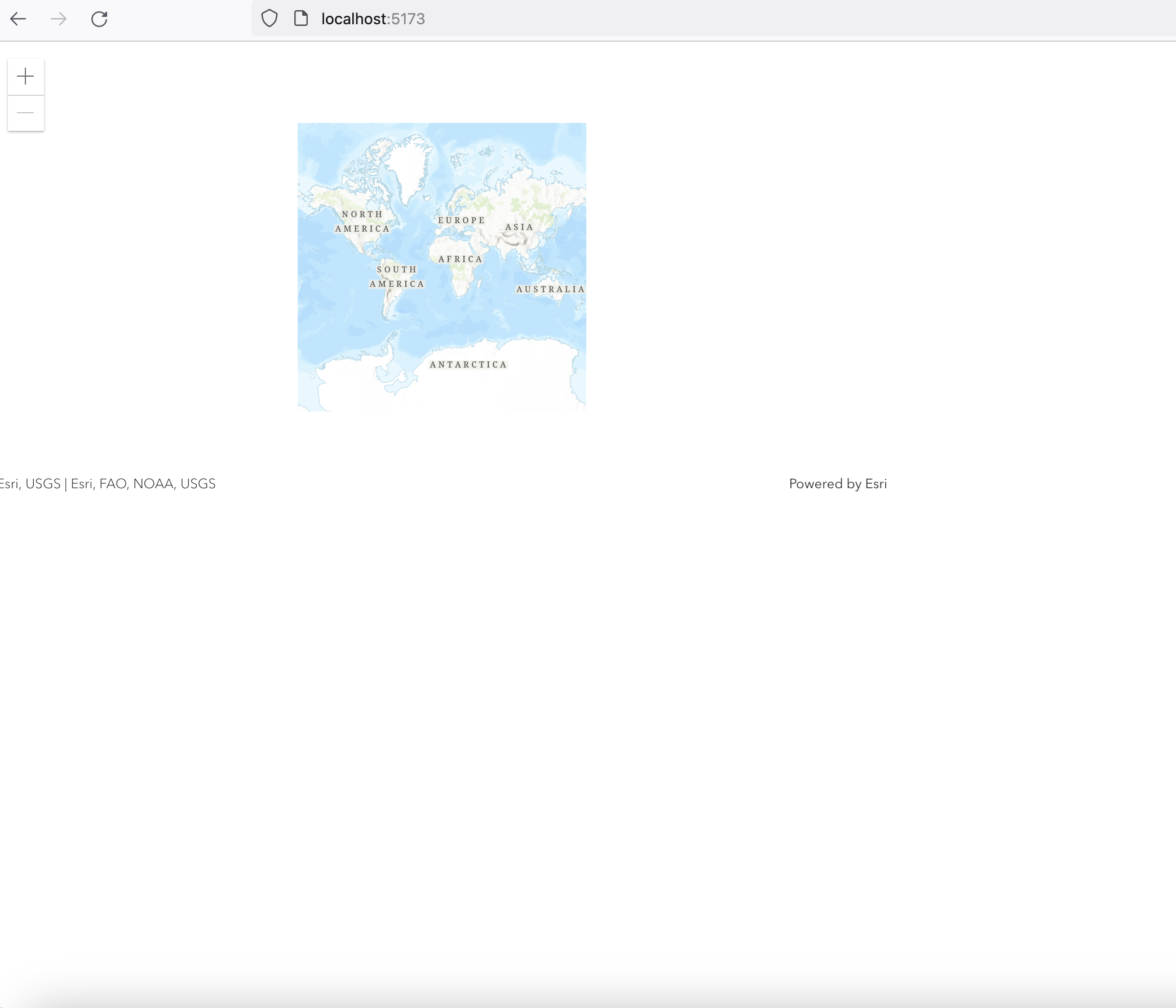
Hi I am new to React and ArcGIS. I tried to write some simple React web application to show the map. However the map is show so small inside the canvas. You can see the below code and attache screenshot
MY Screenshot
css
Your map is actually taking up the entire page, but it is very zoomed out. Try specifying a center and a zoom level, something like this:
mapRef.current = new MapView({
   map: webmap,
   container: "mapViewId",
   center: [-118.805, 34.027], // Longitude, latitude
   zoom: 13 // Zoom level
});
https://developers.arcgis.com/javascript/latest/tutorials/display-a-map/#create-a-map-view
Try using
.mapDiv {
  height:400px;
  width:800px;
}
tried and it make is much small on my screen.
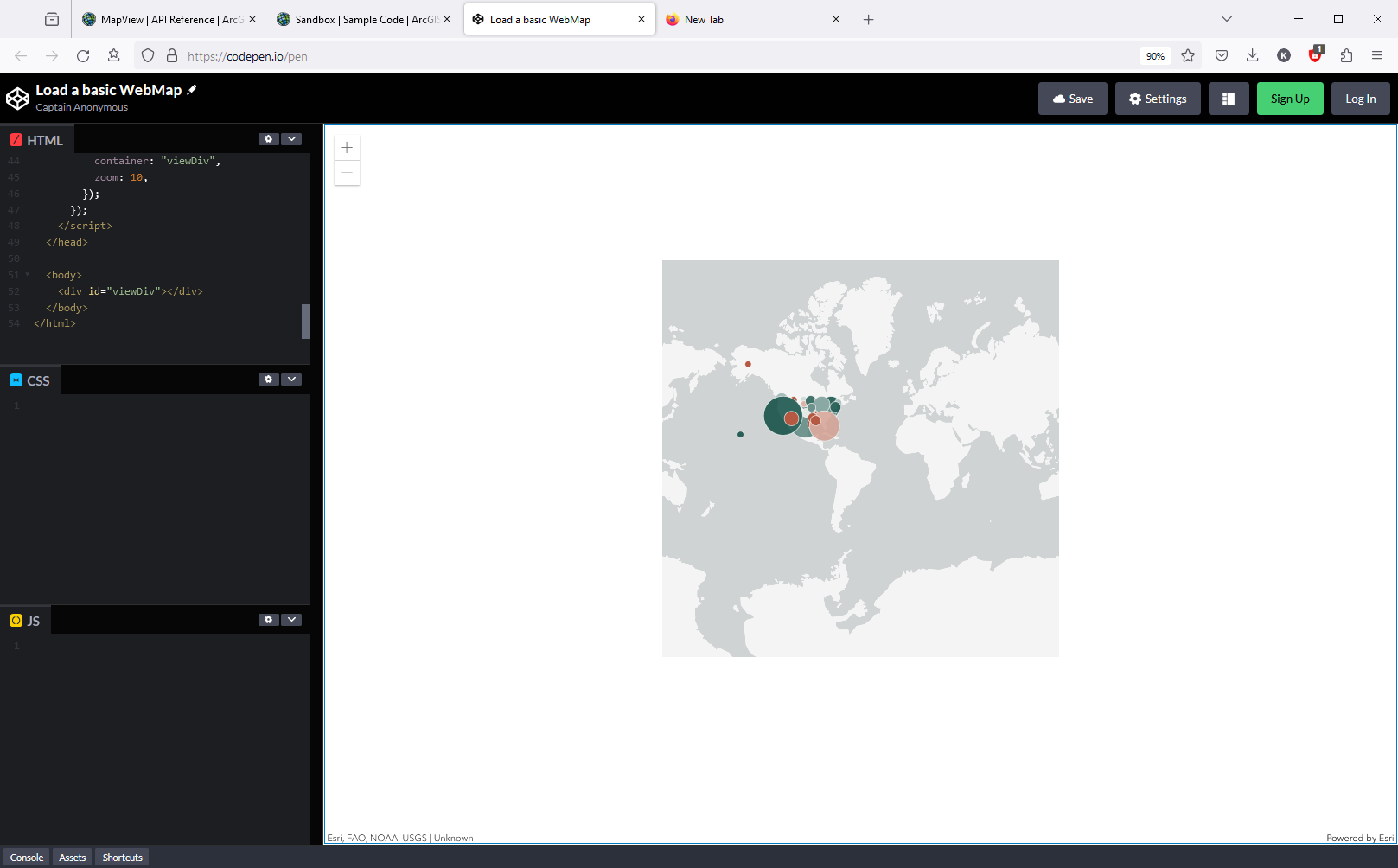
Normally when looking at the entire world, you're going to see a small map. For example, open this sample and zoom out as far as you can.
Set the MapView's zoom property (or extent) to a more localized view of map and it should fill up the screen.
Thank. after changing the zoom level, and it is looking good now.
Angemeldete Mitglieder können Beiträge verfassen, Updates folgen und mehr. Neu hier? Registriere ein kostenloses Konto.
Find useful guides, FAQs, and documents to help you navigate and make the most of Esri Community.