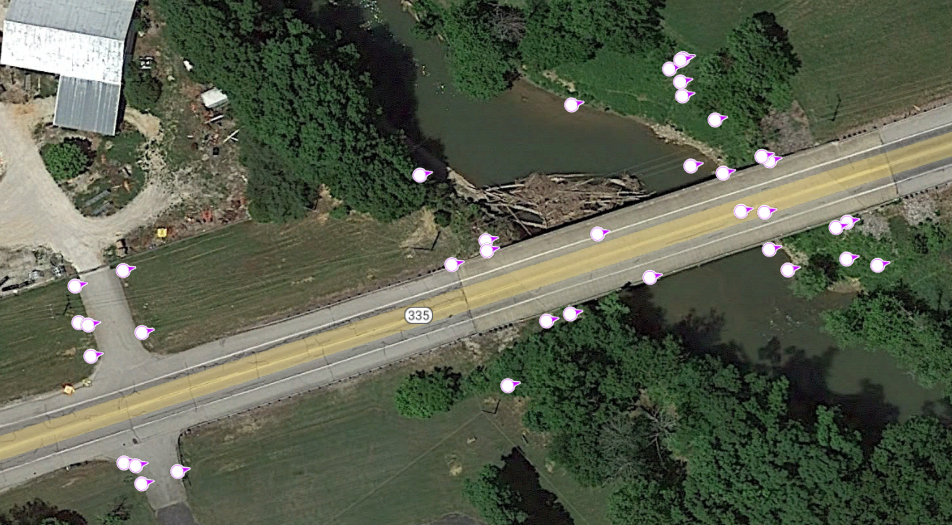
I have recently switched to ArcPro for work and noticed that when I convert a point feature to a kml, it does not keep the point rotation like it does in ArcMap. Instead all the points are rotated in the same direction. I have not found a check box or option to enable or disable rotation in the Layer to KML tool.
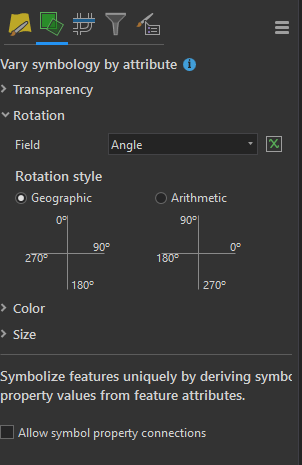
The rotation of each point is based on an angle field which uses a geographic rotation style.
How the points look in Pro:
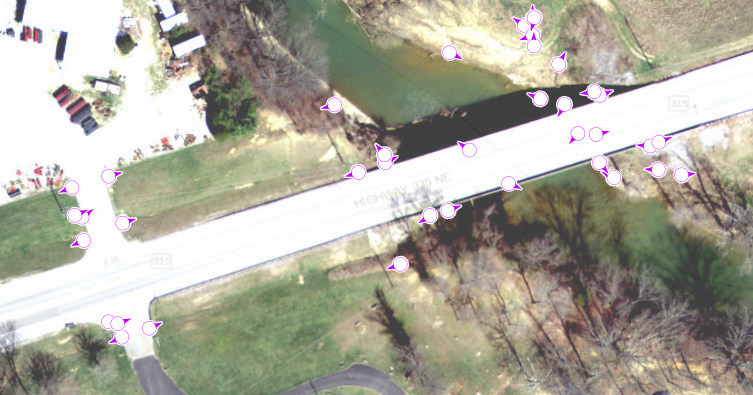
How the KML looks: