I am unable to get the MapView.LocationDisplay.PositionSource to return positions on Android. The error returns AccessError and I'm sure it is a permissions issue. AppStudio\Qt documentation says directly that I need to request location permission from the user at run time and need to 'add code to your app to do this, by making use of the Android framework or Android Support library classes provided that allow you to check for permissions, and request permissions if not already granted'.
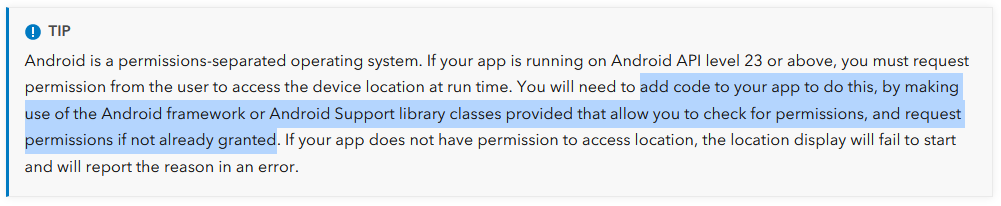
https://developers.arcgis.com/qt/device-location/
I have pored thru documentation for Qt and Android but no luck figuring out how to do this in Qt QML. I know there is a manifest file that contains this permission for Android but I am using Cloud Make and have no access to this manifest file in order to add permission.
I could not get the Display Device Location sample to work on Android using the AppStudio Player either.
What am I missing to get user location on Android?
MapView.locationDisplay definition:
locationDisplay {
    positionSource: PositionSource {
        id: positionSource

        active: true

        preferredPositioningMethods: PositionSource.AllPositioningMethods

        position.onCoordinateChanged: {
            console.log(position.coordinate);
            errorMessage2 = position.coordinate
        }

        onSourceErrorChanged: {
            if (sourceError == PositionSource.NoError)
                return

            console.log("Source error: " + sourceError)
            errorMessage = "Source error: " + sourceError
            stop()
        }

        onUpdateTimeout: {
            console.log("position timed out")
        }
    }
}

