Hi,
We have deployed ArcGIS Base enterprise version 10.8.1 in HA (high availability) on AWS. We have to take regular ArcGIS relational datastore backups on the Amazon S3 bucket.
As per the ESRI documentation, we can register a secondary backup location for tile cache and spatiotemporal datastores and set that secondary location as the default location for the backups.
And in the case of relational datastore, we register a secondary backup location but we can't set it as a default backup location, We can take only manual backups on the secondary backup location.
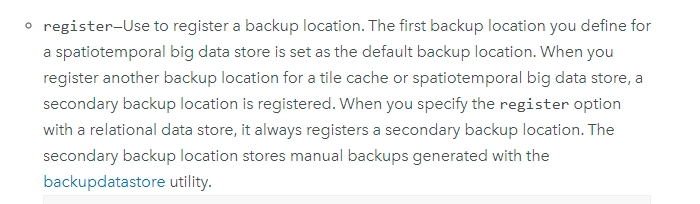
So, we have registered a secondary backup location for relational datastore on the amazon s3 bucket, and we want to take regular backups on amazon s3 itself. So, for that, I have created a batch file and scheduled it on the task scheduler.
My batch file looks like this:-
cd "C:\Program Files\ArcGIS\DataStore\tools"
backupdatastore --store relational --location type=s3;location=<s3 bucket name and location>;name=<datastore backup name>
I have checked and tested manually it works fine.
The main issue which I am facing after scheduling it on the task scheduler is that when we hit backupdatastore command it prompts for a question that "Do you want to continue Yes or No? "basically it wants user input after hitting backupdatastore command. And this is the point where the batch file fails or stops.
I just want to know is there any way we can automate the user input in the batch file.
or
Is there any better alternative way to automate relational datastore backups on amazon s3?
Any help will be much appreciated !!

