Pro: 2.7.2
Starting Pro, a screen pops up:
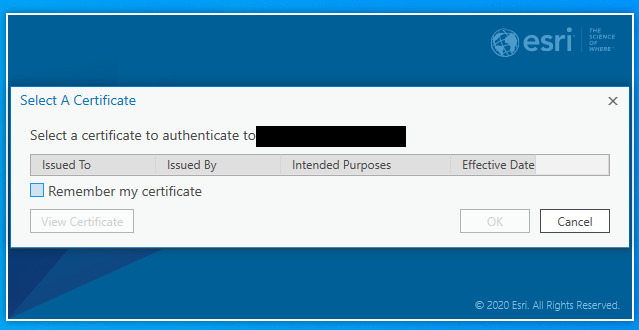
This a new thing, and I have never seen it before. I do not know if I hit a setting in server manager (10.6.1), or somewhere else, that turned this pop up on. If I click "cancel", Pro works fine. If I disconnect our portal from Pro, the pop up does not appear on start. But then I have to reconnect, and get the same pop up.
Also, my organization is looking to use ArcGIS Field maps on iOS, and, after registering the app with the server, the app does the same thing, but will not allow a simple "skip".
How do I turn this off? Or generate a certificate? Or some other work around?

