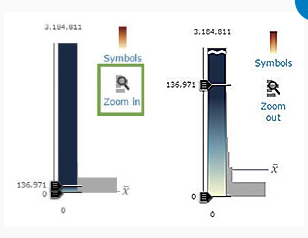
The Tip inset box on page 49 of ArcUser, Summer, 206 shows says, "Have an outlier in your data? Zoom in to see the values closest to the mean in the histogram?" The images show a Zoom In and Zoom out button next to the slider-histogram. How does one add these zoom buttons with this functionality? Se the image below.
Thanks for any help provided,
David

