I am using Web AppBuilder for Developer 2.7 and just set it up on my local machine. I am not able to click on the "OK" button for any of the widgets.
Steps to reproduce:
- Create new web app
- Click on Widget tab
- Add Widget
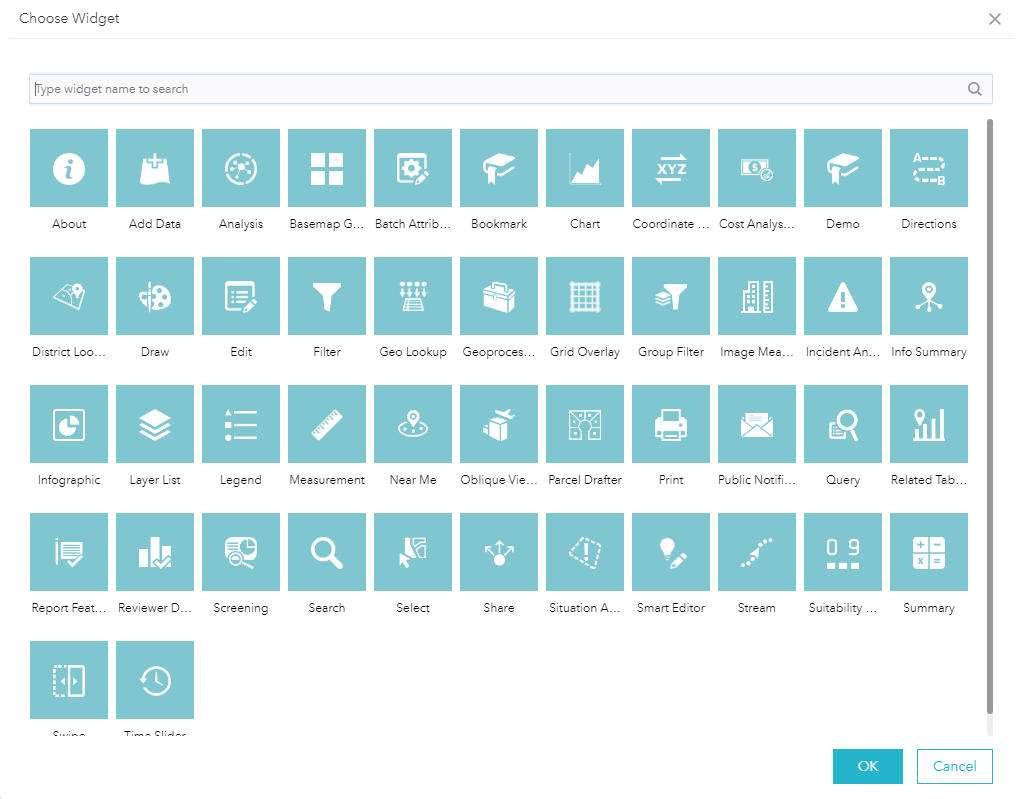
- Select Widget
- Click OK - Error
Below is chrome console output.
FeatureActionManager.js?wab_dv=2.7:174 Uncaught TypeError: Cannot read property 'en-us' of undefined
at Object.<anonymous> (FeatureActionManager.js?wab_dv=2.7:174)
at Object.forEach (init.js:70)
at Object.registerWidgetFeatureActions (FeatureActionManager.js?wab_dv=2.7:162)
at Object.<anonymous> (FeatureActionManager.js?wab_dv=2.7:207)
at init.js:63
at visitBigSection (utils.js?wab_dv=2.7:120)
at Object.visitElement (utils.js?wab_dv=2.7:84)
at Object.c.visitElement (ConfigManager.js?wab_dv=2.7:188)
at Object._reRegisterWidgetActions (FeatureActionManager.js?wab_dv=2.7:204)
at Object._onAppConfigChanged (FeatureActionManager.js?wab_dv=2.7:252)
Seems to be something to do with this line:
label: widgetJson.manifest['i18nLabels_featureAction_' + action.name][window.dojoConfig.locale] ||
widgetJson.manifest['i18nLabels_featureAction_' + action.name].defaultLabel
Have I forgotten to configure something? This is my first time testing this app locally? I need to develop custom widgets..





