How is the quicker way to enlarge an image associated to a point as attachment? I'm using ArcGIS Pro 2.0.1.
From pop-up is not possible to click on thumbnail like in HTML pop-up of ArcMap. And you can't set a resolution for image in pop-up
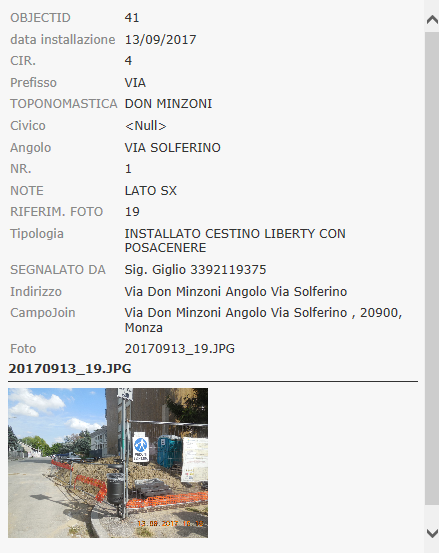
To reach file image I found two method:
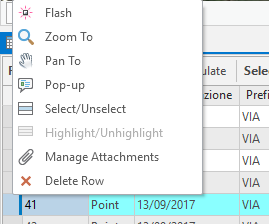
1) open Attribute table and right-click on selected elements and select "Manage Attachments" from pop-up menu.
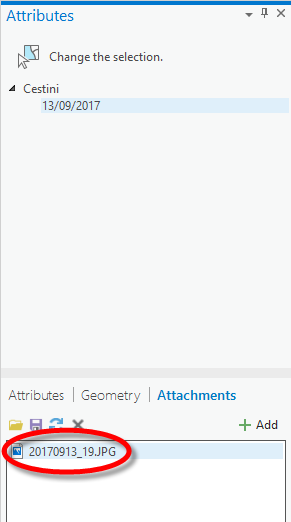
2) double click on name file in Attributes tab
Any other idea?
Stefano


