In ArcGIS Enterprise 11.1, I created a Survey123 form (via the web) that has a multi-line text field question; The app defaults it to 1000 characters. From this hosted feature in Portal, I created a view that I published to AGOL to share with others outside the Org. Process: Hosted Feature Layer View -> Export to temp file gdb -> Publish to AGOL so all fields match
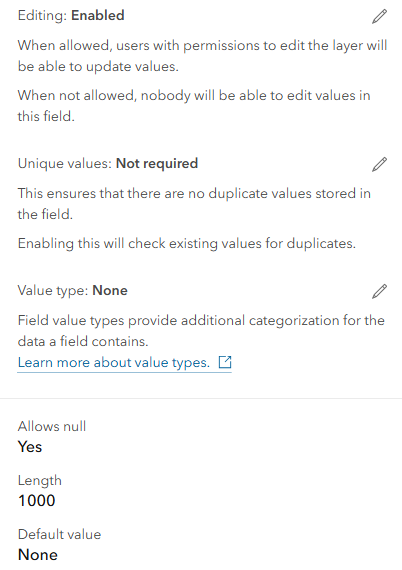
However, despite the field length saying 1000 characters, I only seem to be able to enter 850 characters. If I enter anything more, e.g. if I enter 851 characters, then I receive the error:
Operation failed. The index entry of length 1702 bytes for the index 'exb_event_description' exceeds the maximum length of 1700 bytes for nonclustered indexes.

This is causing an issue in my truncate and append workflow, resulting in a "general function failure" for the append tool.
WARNING 000594: Input feature 120: General function failure.
How can I fix this to allow all 1000 characters to be entered in a 1000 character limit field in AGOL?

