Summary:
- Admin REST API > view's sublayer > Add To Definition
- Added an expression field via JSON
- It ran without errors, but I don't see the new field in the view.
Detailed Steps:
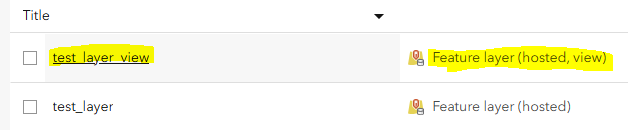
I've created a AGOL view called test_layer_view on a hosted feature layer:
In the view, using the Admin REST API, I want to add a expression field as a test, calculating 1+1.
I'm not using the view's top-level feature layer...
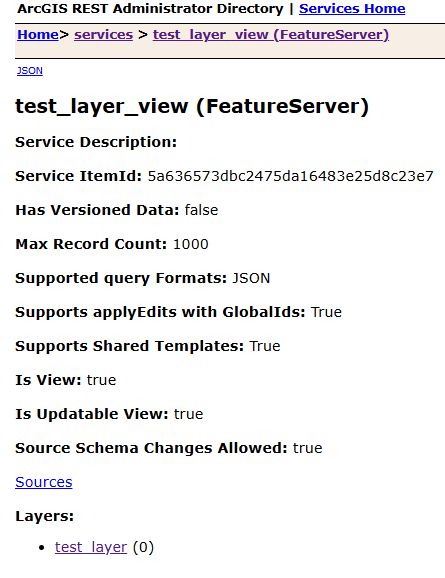
...Instead, I'm using the sublayer:
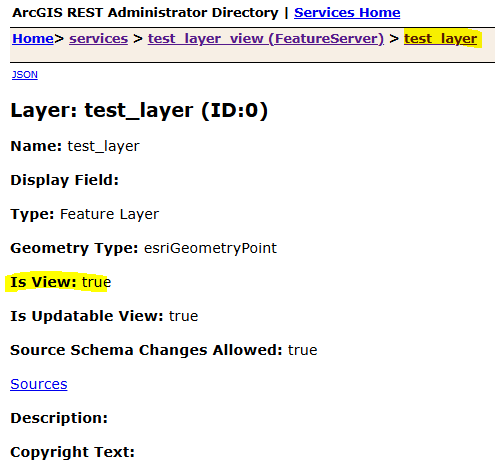

(Let me know if I'm using the wrong item. Although I tested with the top-level feature layer view, and had the same issue with it.)
I got some sample JSON from the ArcGIS REST APIs > Add to Definition (Feature Service) documentation:
(Those docs are pretty complicated and geared towards joins, so I'm not sure how to boil the sample JSON down to just a simple expression field without a join.)
{
"sourceLayerFields": [
  {
    "name": "test_expression_field",
    "alias": "test_expression_field",
    "expression": "1+1",
    "type": "esriFieldTypeInteger"
  }
]
}
I hit the "Add To Layer Definition" button and it ran without errors:
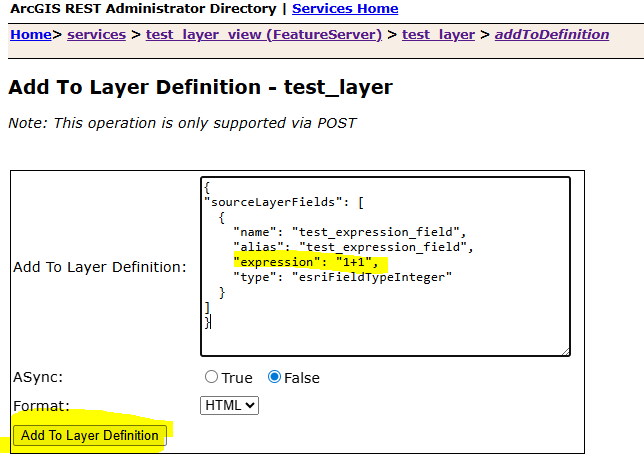
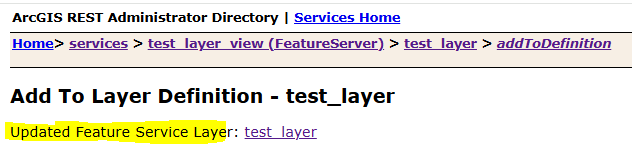
But when I refresh the view's Data > Fields tab (or the Table tab), the expression field is missing.
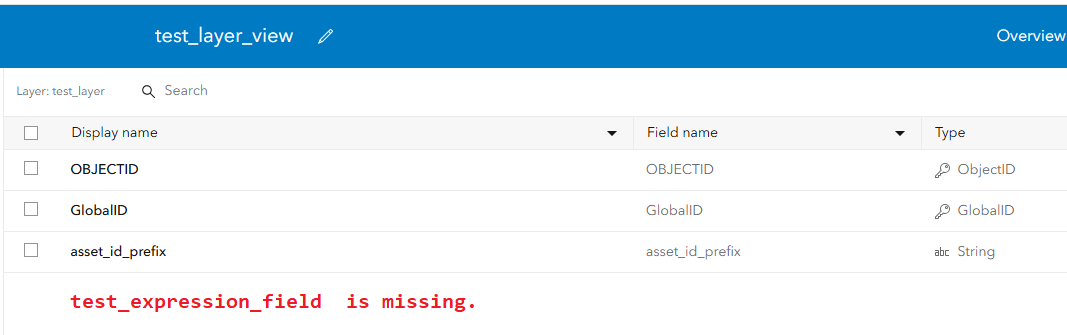
Likewise, the expression field is missing from the sublayer's JSON definition.
What am I doing wrong?

