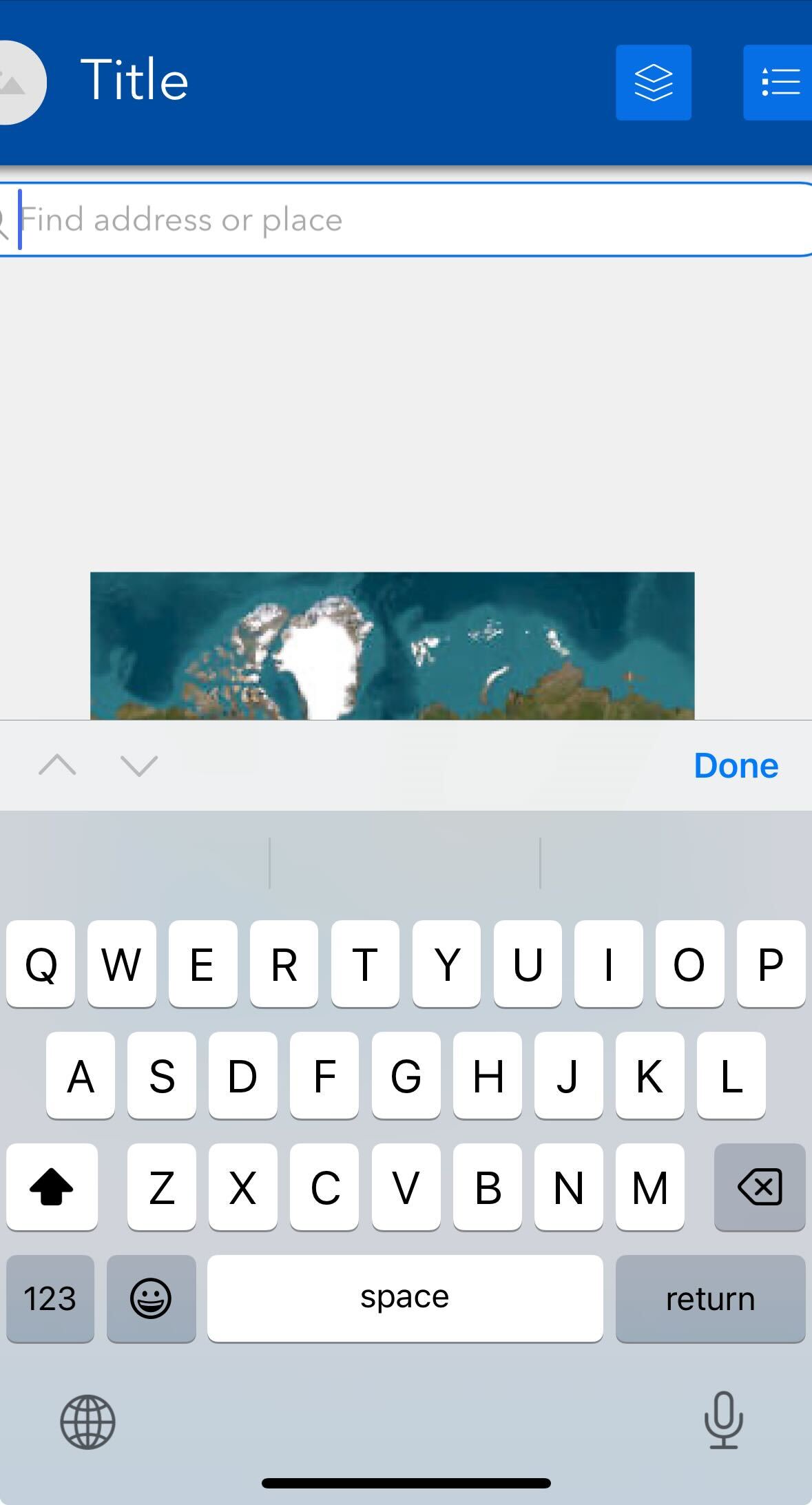
On iOS device, when activating the search input, the experience builder app UI auto-zooms to the search widget. When this happens, the user would need to pinch zoom or double tap on an empty area to restore the zoom level. Is there any way to configure the UI to not auto-zoom?
UPDATE: Seems that this happens to any text input (i.e. search and edit). The issue is not seen when running the app in Safari or Chrome, but our users need to access the app in an internal environment and that's where we see the issue.
Here is an example of when the auto-zoom happens (notice the view gets truncated on both sides):
Thanks!

