Help! <arcgis-fullscreen> Web Component Not Working in React
Hey Esri Community!
I'm trying to migrate from the deprecated Fullscreen widget to the new <arcgis-fullscreen> web component in my React app (using SDK 4.32+), but hitting a wall. The button shows up but stays disabled - no errors, just doesn't respond to clicks.
What Fails in React:
return (
  <div className="w-full h-full relative" ref={containerRef}>
    <arcgis-map
      className="w-full h-full"
      ref={mapDiv}
    >
      <arcgis-fullscreen
        position="bottom-right"
      ></arcgis-fullscreen>
    </arcgis-map>
  </div>
);As you can see in the picture, the button is outside the element and is disabled.
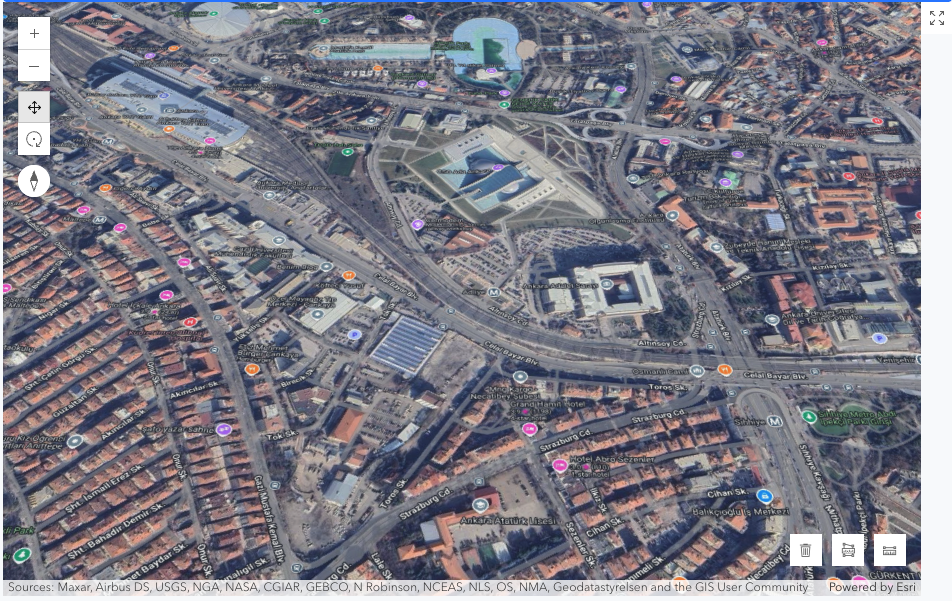
Symptoms:
How are React devs supposed to connect the view to web components? The docs show vanilla JS examples but React's rendering lifecycle seems to break the expected flow.
Anyone successfully implemented this in React? Is there a secret sauce to wiring up web components with the view instance? Appreciate any tips!


